Restore / ink stains
Digitally Remove Ink Stains from Old Photos
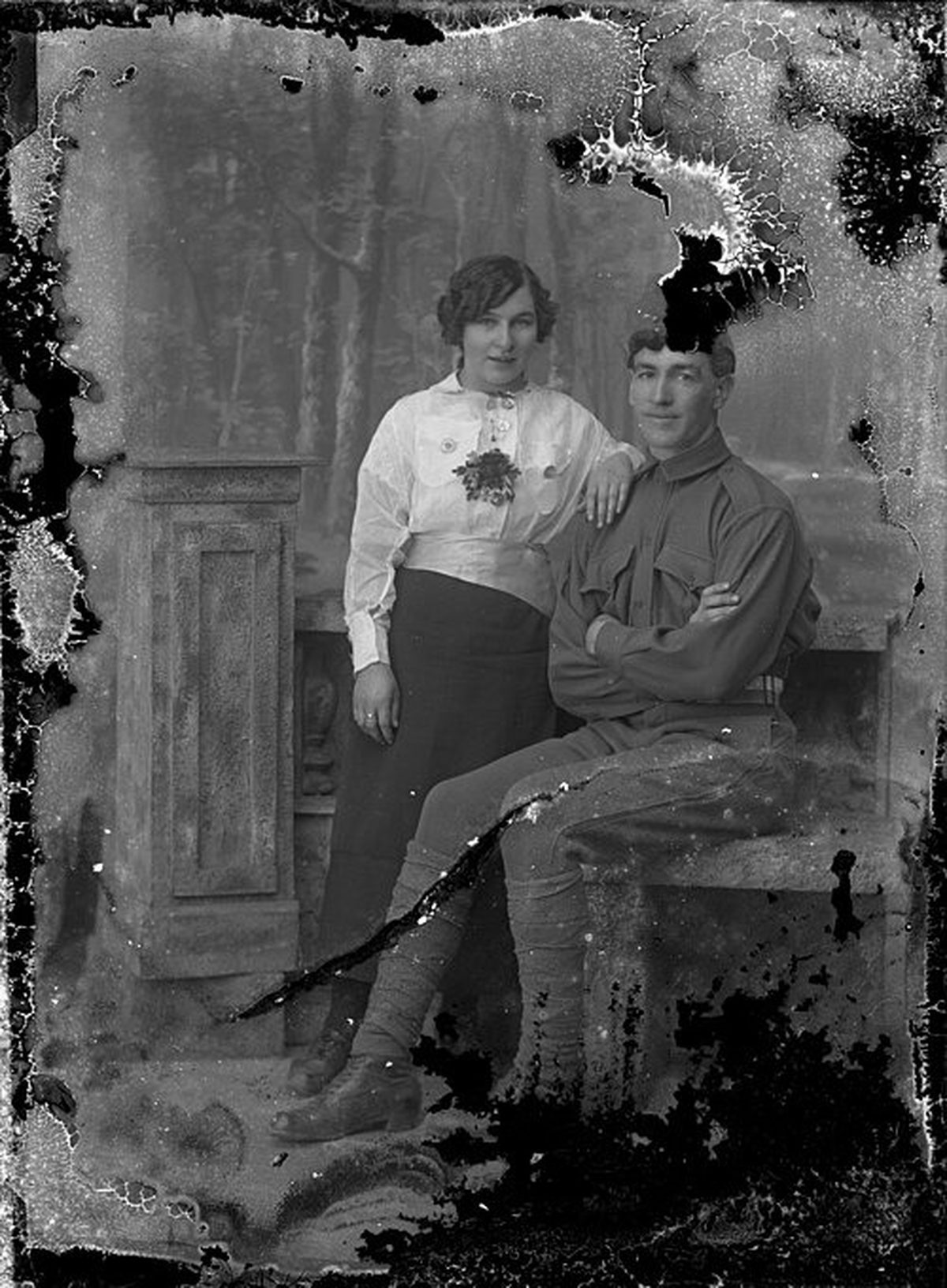
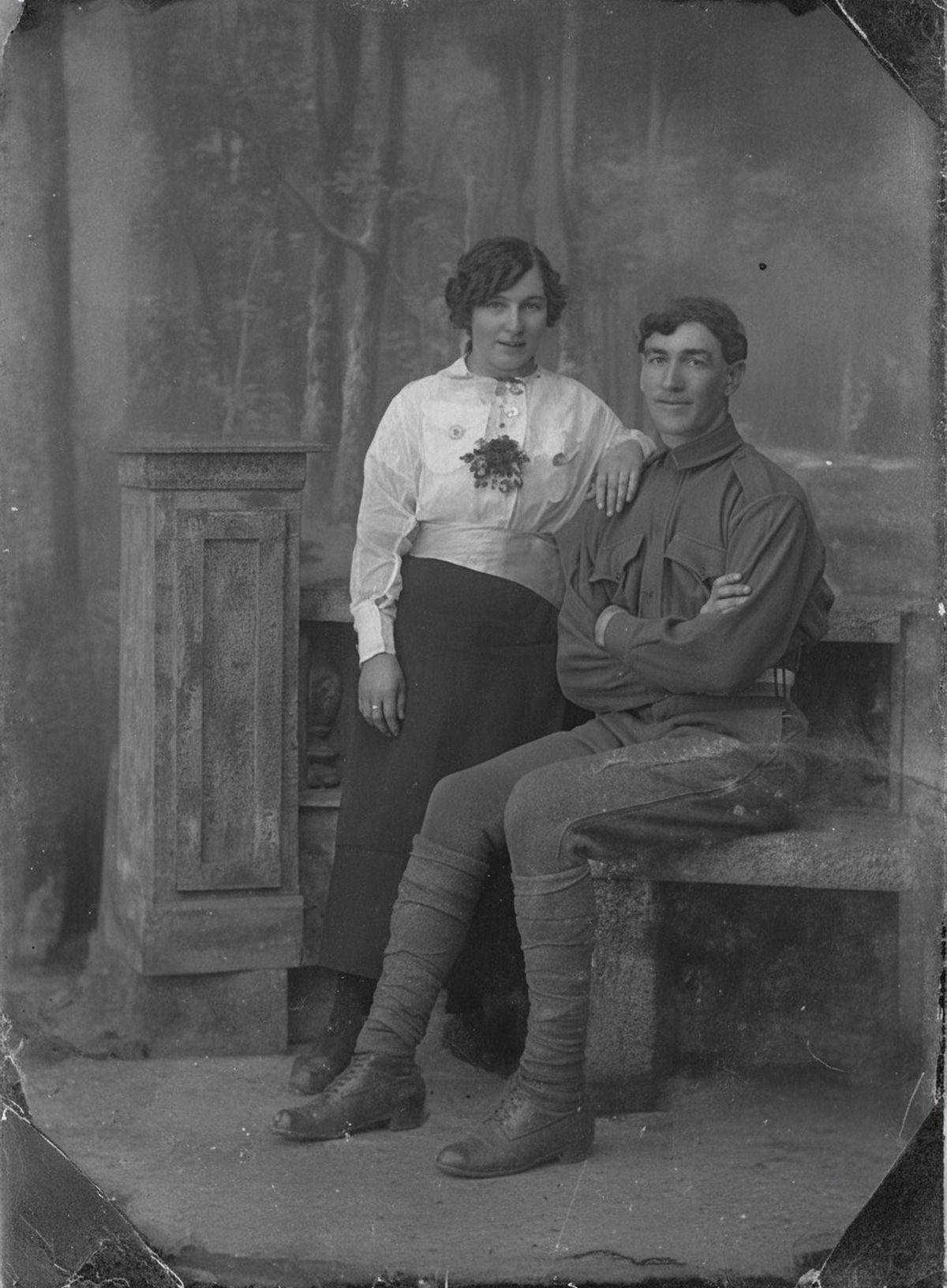
AI can reduce pen marks, ink blots, and stamp bleed that sit over an otherwise readable photo. Where ink soaked through and destroyed the emulsion, that detail is gone and the repair is a plausible fill. Preserve meaningful captions and dates rather than erasing them. Keep the untouched scan beside the result.
- 3 free previews a month
- No signup
- Ready in minutes
- One payment — nothing to cancel
How it works
Upload your photo
Drop in a scan or phone photo of the damaged print. Your original is never touched, and there's no signup.
Preview it free
See the restoration beside your photo in about a minute. Drag the slider and judge it for yourself before you spend a cent.
Keep what you love
Pay only for the results worth keeping, then download them in full resolution.
Preview your photo — freeWhat to know before restoring this photograph
Ink on a photograph behaves according to what the ink is. Ballpoint paste is oily and mostly sits on the surface as a raised line. Fountain-pen ink is water-based, so it wicks down into the paper fibers and spreads into soft-edged halos. A rubber stamp or postmark can even bleed through from the back of the print.
That difference decides the outcome before any editing starts. A surface line rides over an image that still exists beneath it, while soaked-in ink has chemically joined the paper — and old iron-gall inks keep darkening for decades after the pen lifted.
Scan both sides of the print at 600 dpi before deciding anything. The writing you are tempted to remove may be the only record of a name, a date, or a town, and once you have both sides captured you can erase from the image without erasing from the record.
On the front, the AI reduces pen lines, blots, and stamp bleed that lie over readable detail, holding the picture beneath steady while the mark fades out of attention. Marks crossing plain background disappear most cleanly; marks crossing a face need the closest review.
The limit is saturation. Where ink soaked through and displaced the emulsion's own detail, the original is gone at that spot, and what appears there in the draft is a plausible fill reasoned from the surroundings — worth having, worth labeling. Confidence also varies across a single photograph: the fill over a tablecloth can be dependable while the fill over a mouth is a guess.
Never chase ink with solvents or erasers on the physical print; anything strong enough to move the ink will move the image too. The chemistry that makes stains permanent on paper is exactly why this repair belongs in the digital copy.
Consider making two exports: one clean version for framing and sharing, and one that keeps a meaningful inscription visible. Handwriting in a parent's or grandparent's hand can matter as much as the image it crosses.
Store the two-sided scans, the restored file, and a note on which markings were removed as one bundle. Whoever inherits the photo then gets both the picture and the words that were written on it.
The preview is free, so test how far the ink calms before deciding what to keep. If the cleaned draft reads well beside your scan, choose your exports — payment covers those and nothing else.
Questions about ink-stained photographs
Can you remove pen or ink marks from a photo?
Yes, where the ink sits over a readable image—AI can reduce pen lines, blots, and stamp bleed while keeping the picture underneath steady. Where ink soaked through and destroyed the emulsion, that detail is gone, so those spots get a plausible fill rather than a true recovery.
There’s a handwritten date on the photo — will it be erased?
Only if you want it gone. Captions, dates, and inscriptions are often part of the record, so it’s worth scanning them first and deciding deliberately. AI can remove ink that obscures a face while leaving a meaningful note in place, or make a separate clean copy while you keep the annotated original.
How much does a restoration cost?
The preview is free. Full-resolution downloads are $7.99 per photo, and the rate drops the more you restore — down to $4.49 each on the largest batches. Each photo includes up to three restoration attempts, and downloads stay available for 30 days.
Can I print the restored version?
Yes, if the file has enough pixels for the intended size. Inspect faces and fine details before printing, and keep the higher-resolution master separate from the print export.
See what your photo can become
Upload it, preview the restoration free, and keep only the result that feels right.
Preview your photo — free- 3 free previews a month
- No signup
- Ready in minutes
- One payment — nothing to cancel