Restore / faded photo
Restore a Faded Photo and Recover Contrast
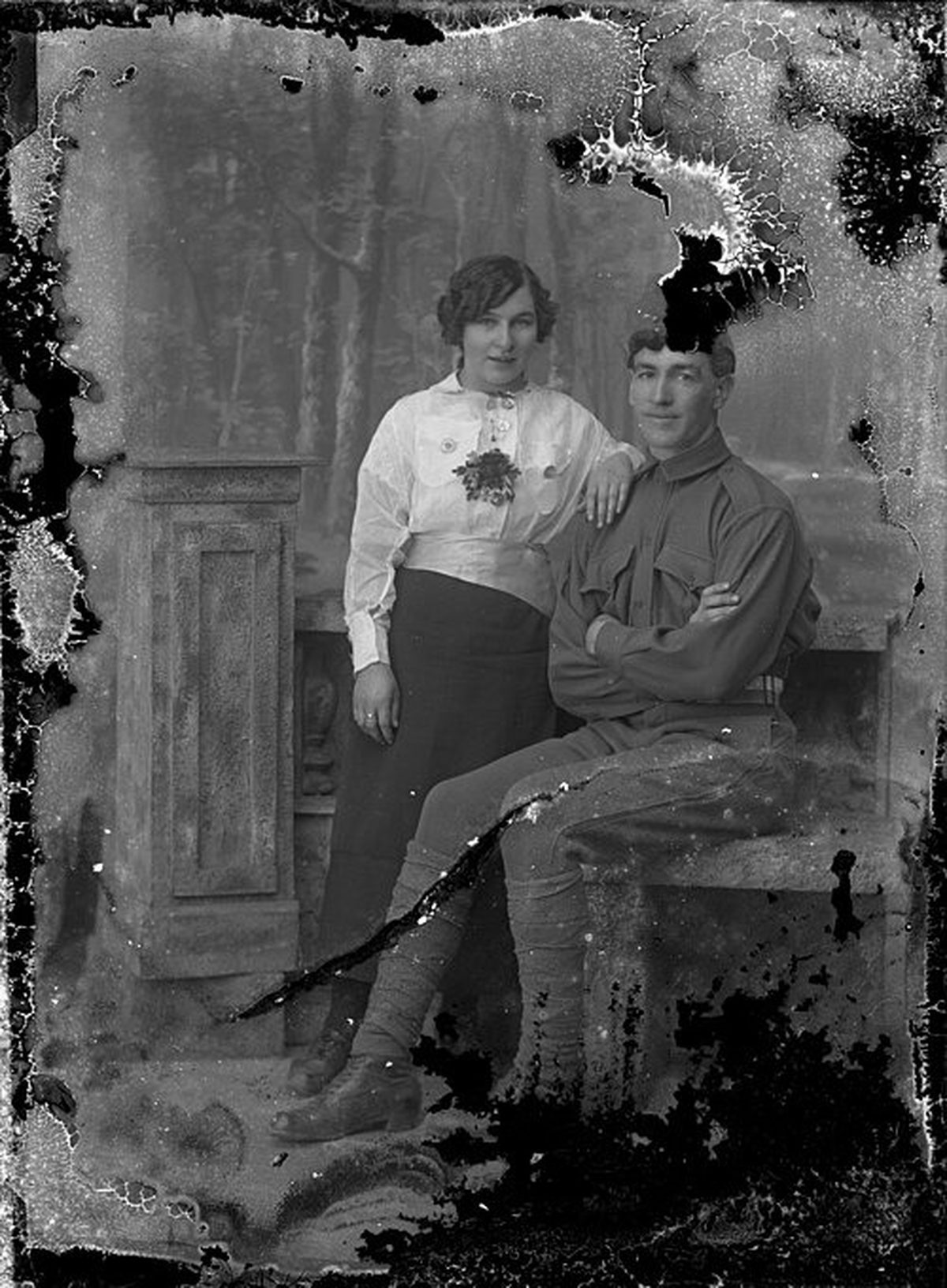
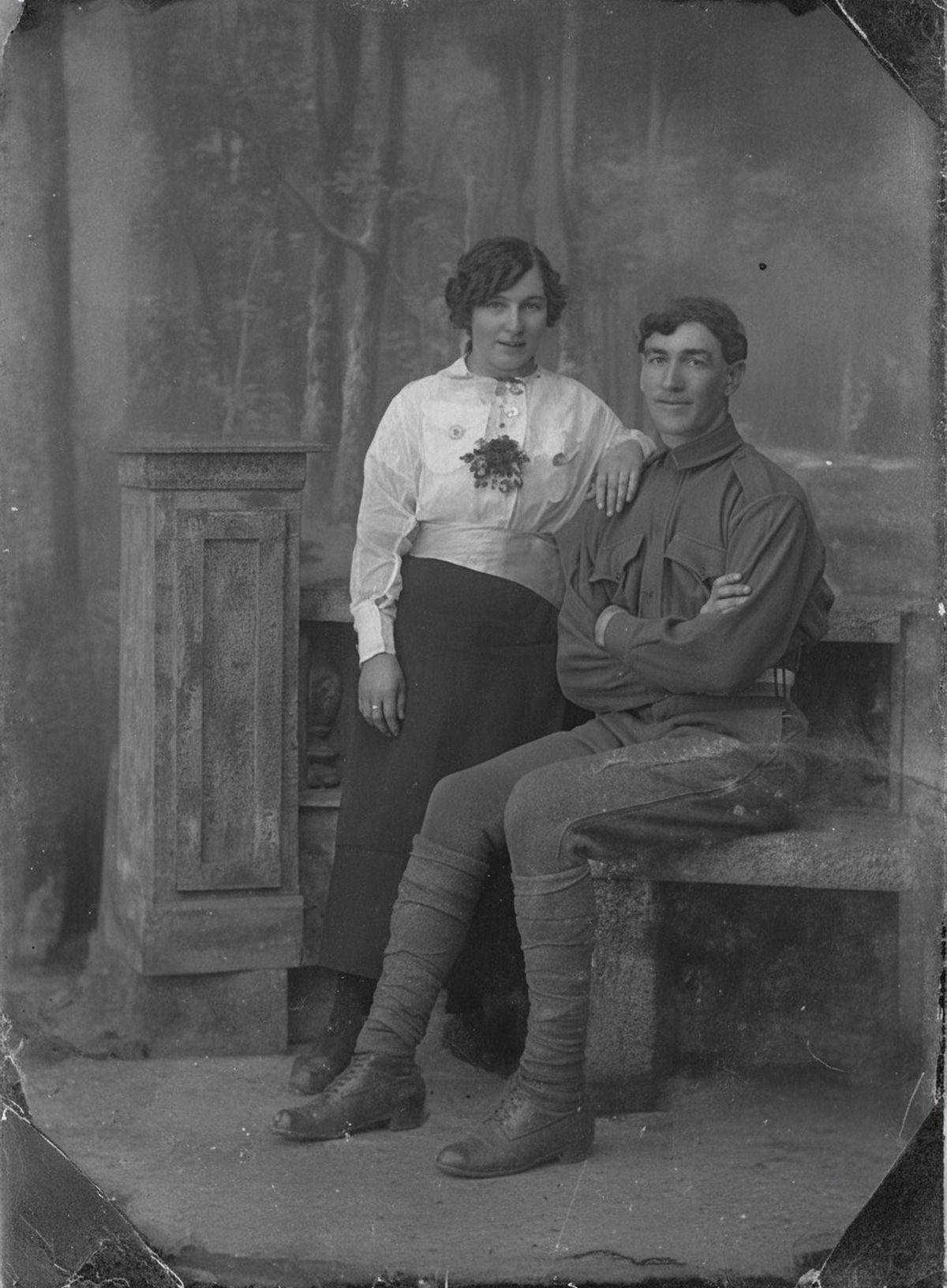
Restoration can rebuild tonal separation, neutralize a cast, and make clothing and facial contours easier to read without forcing harsh modern contrast. Completely bleached highlights and vanished dye leave no source evidence. Their reconstructed color and texture remain an AI-drafted estimate. Keep the untouched scan beside the result.
- 3 free previews a month
- No signup
- Ready in minutes
- One payment — nothing to cancel
How it works
Upload your photo
Drop in a scan or phone photo of the damaged print. Your original is never touched, and there's no signup.
Preview it free
See the restoration beside your photo in about a minute. Drag the slider and judge it for yourself before you spend a cent.
Keep what you love
Pay only for the results worth keeping, then download them in full resolution.
Preview your photo — freeWhat to know before restoring this photograph
Fading is slow chemistry, not accumulated dirt. In a color print, the image lives in three dye layers, and they do not age at the same speed — cyan is typically the least stable, so an old color photo drifts warm and reddish as that layer thins. A black-and-white print fades differently: its image is metallic silver, and oxidation attacks the finest particles first, flattening highlights and delicate midtones before the shadows go.
Knowing which loss you have sets expectations. A warm-shifted color print still holds two dye layers of real information to rebalance against. A silver print washed toward gray holds faint density everywhere, and faintness — unlike blankness — is recoverable.
Capture the print in color even when it looks black and white; the exact tint of the cast is evidence the correction uses. A 16-bit TIFF is the ideal master, though a high-quality JPEG is enough for a preview. Work from that one capture instead of rescanning or resaving compressed copies.
Restoration then rebuilds tonal separation, neutralizes the cast, and pulls faces and clothing back apart from the background without imposing harsh modern contrast. The character of the print — its paper tone, its softness — can survive the correction rather than be steamrolled by it.
The boundary sits at total loss. Wherever a faint tone or the ghost of an edge survives, the AI can amplify something real. Where highlights bleached fully to paper white or a dye layer vanished outright, there is no evidence left, and the color placed there is a considered estimate.
Treat rebuilt color as a reading rather than a measurement. Dyes fade at unequal rates, so the algorithm reasons back from what remains — usually close, never certain. If a better-preserved print of the same scene or people exists, put the two side by side as a check.
One warning specific to fading: light is still working on the original. Display the restored copy and let the vulnerable print rest in a dark, cool box, because the same exposure that faded it once will keep going wherever it hangs.
Keep the uncorrected scan filed next to the restored master, with a line noting that contrast and color were rebuilt. That pairing preserves what the print actually held at scan time, separate from the version made for viewing.
Upload the faded scan and watch the free preview pull the faces back out of the haze before you commit to anything. If the recovered contrast earns a place in the album, export the copies you choose — that is the only point where money changes hands.
Questions about faded and low-contrast photographs
Can you bring back a photo that has faded almost to nothing?
AI can rebuild tonal separation, lift washed-out faces and clothing, and neutralize a yellow or color cast without forcing a harsh modern look. It draws on whatever faint detail the print still holds. Where highlights have bleached fully white or a dye has vanished, there is no evidence left to recover, so any color or texture there is a careful estimate rather than the true original.
Will the colors it restores be the true original colors?
Often close, where enough dye survives to guide the correction. But dyes fade at different rates — a print may lose cyan before magenta — so a reconstructed color is an informed reading of what remains, not a measurement of the original. Keep the untouched scan alongside so anyone can see what was recovered versus estimated.
How much does a restoration cost?
The preview is free. Full-resolution downloads are $7.99 per photo, and the rate drops the more you restore — down to $4.49 each on the largest batches. Each photo includes up to three restoration attempts, and downloads stay available for 30 days.
Does the restorer edit my original photo?
No. You upload a digital copy and the AI works only on that copy — the physical photo and your original scan are never altered. Store the untouched scan separately so you always have it to compare against.
See what your photo can become
Upload it, preview the restoration free, and keep only the result that feels right.
Preview your photo — free- 3 free previews a month
- No signup
- Ready in minutes
- One payment — nothing to cancel