Restore / water damage
Restore Water-Damaged Photos Online
AI can reduce visible tide marks, reconnect interrupted shapes, and normalize uneven color without physically touching the vulnerable original. A scan cannot recover chemistry washed out of the paper, and reconstructed faces or text may differ from what existed before the damage. Keep the untouched scan beside the result.
- 3 free previews a month
- No signup
- Ready in minutes
- One payment — nothing to cancel
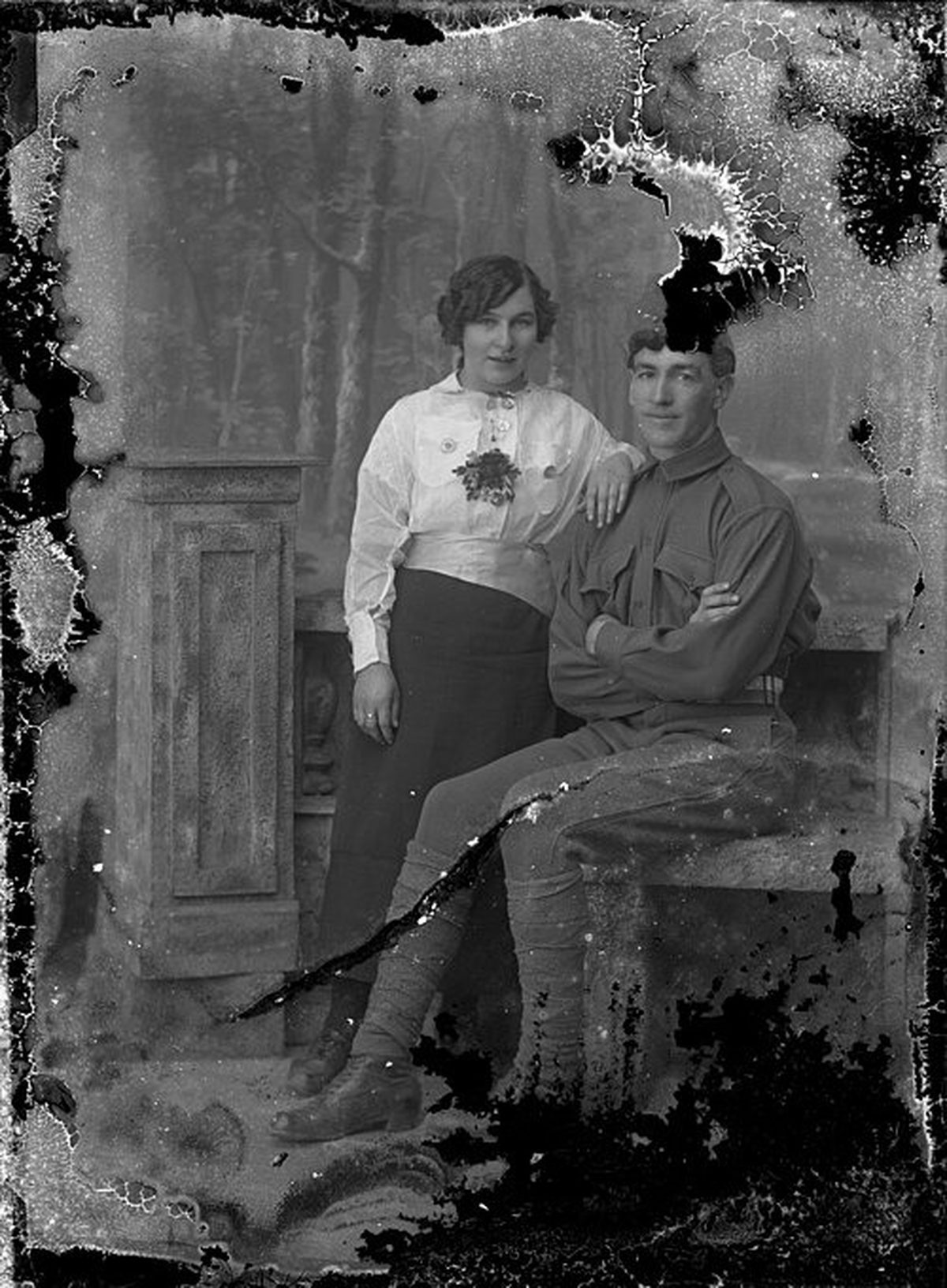
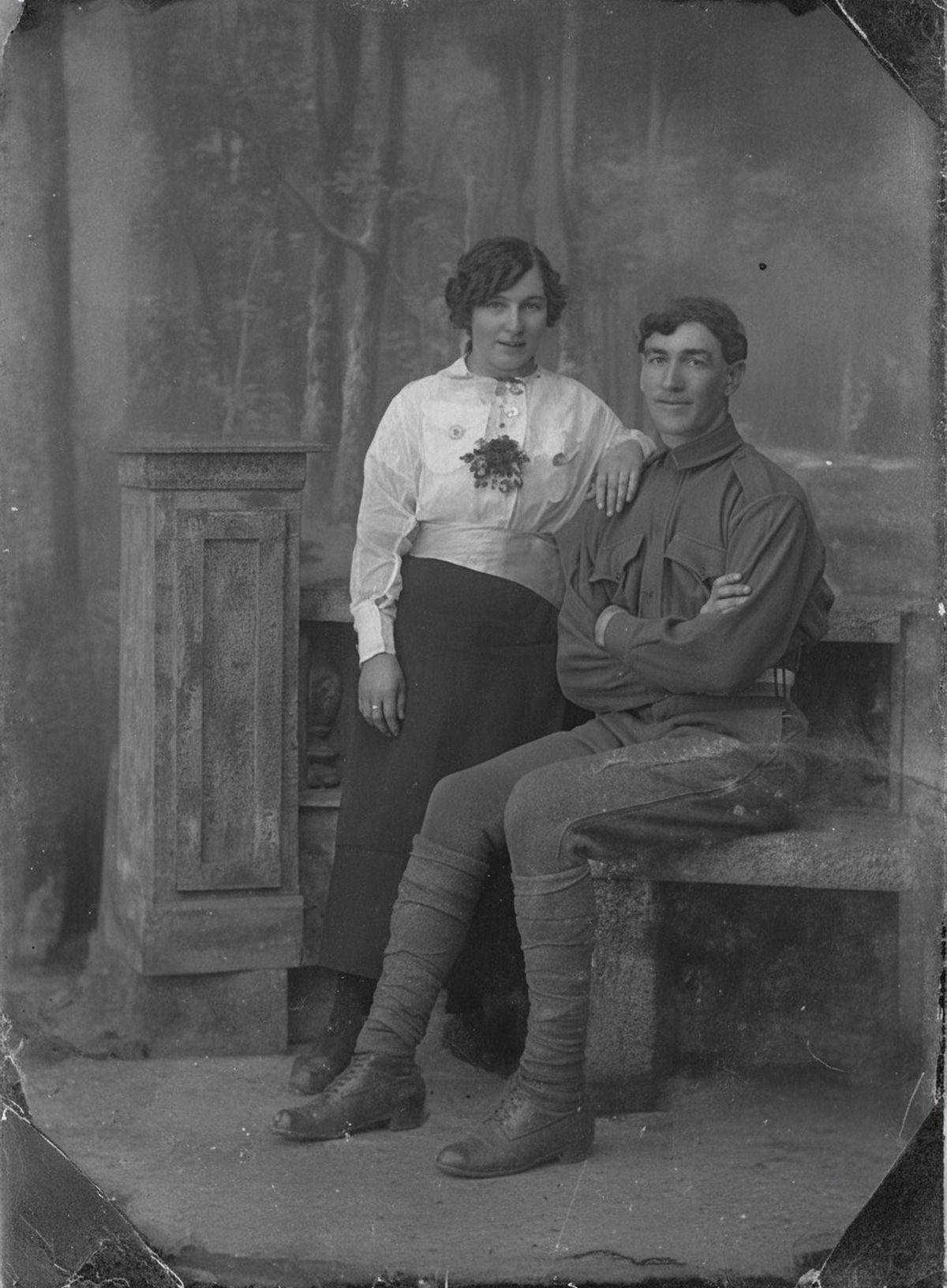
How it works
Upload your photo
Drop in a scan or phone photo of the damaged print. Your original is never touched, and there's no signup.
Preview it free
See the restoration beside your photo in about a minute. Drag the slider and judge it for yourself before you spend a cent.
Keep what you love
Pay only for the results worth keeping, then download them in full resolution.
Preview your photo — freeWhat to know before restoring this photograph
Water goes after the emulsion first. Gelatin absorbs it and swells, and as the print dries unevenly, everything the water dissolved — dirt, degradation products, loose dye — gets carried to the drying boundary and dropped there. That is what a tide line is: the damage's own edge, drawn in concentrated residue, often sharper than the image it crosses.
Wet gelatin has a second property that causes most of the worst losses: it turns adhesive. Soaked prints stick face-to-face, to album sleeves, and to frame glass, and pulling them apart tears the image off with the surface it bonded to. Damp storage then invites mold within days.
So the first moves are physical, not digital. Still-wet prints should air-dry flat, image side up, somewhere with moving air. Anything stuck to glass or to another print should go to a conservator as it is — separation is their job, and forcing it is how a stained photo becomes a missing one.
Once the print is stable and dry, scan it and let everything further happen to the file. The AI reduces the tide marks, reconnects shapes the staining interrupted, and evens out the blotchy color left where dyes migrated.
Judge the draft by depth of damage. Clouding and tide rings over an intact image lift well. Areas where the water actually washed the dye or dissolved the emulsion into blank islands hold nothing to recover — the repair there is reconstruction, and a face or caption rebuilt across a washed-out zone may differ from what the flood took.
The zone right at a tide line deserves particular attention: residue concentrated there can mask fine detail, so check eyes, hands, and lettering that the boundary crosses against your raw scan before trusting them.
Rippled paper adds a subtler distortion — the scan of a cockled print bends straight lines slightly. Flattening that digitally is safe for readability, but note that geometry was corrected if the photo documents anything measured.
Store the dried original flat between acid-free sheets and keep the pre-repair scan with the restored file, marking which areas were rebuilt. After a flood, that record is what separates surviving image from repair.
Run the free preview on the dried print's scan and see how much of the staining recedes. If the moment reads again through the damage, export the copies worth keeping — payment happens there and nowhere else.
Questions about water-damaged photographs
Will AI fix a water-damaged photo?
Once the photo is dry and safely scanned, AI can soften brown tide lines, rejoin shapes broken by the staining, and even out the blotchy color the water left behind—all without touching the fragile original. Where the water washed the image dyes out of the paper completely, there's nothing left to restore, so those areas are reconstructed and may not match what was there.
What if the photo is still wet or stuck to glass?
Don't try to pull it free—wet or adhered prints tear and lift the image with them. Let it air-dry flat, or hand a genuinely stuck one to a conservator, and only scan it once it's stable. Everything AI does afterward works on that scan, so the original is never put at further risk.
How much does a restoration cost?
The preview is free. Full-resolution downloads are $7.99 per photo, and the rate drops the more you restore — down to $4.49 each on the largest batches. Each photo includes up to three restoration attempts, and downloads stay available for 30 days.
Do I keep the untouched original?
Always. Nothing overwrites your source — the result is a fresh copy you can accept or discard. Store the original scan apart from the restored version and record which areas were reconstructed.
Can I print the restored version?
Yes, if the file has enough pixels for the intended size. Inspect faces and fine details before printing, and keep the higher-resolution master separate from the print export.
See what your photo can become
Upload it, preview the restoration free, and keep only the result that feels right.
Preview your photo — free- 3 free previews a month
- No signup
- Ready in minutes
- One payment — nothing to cancel