Restore / yellowed photo
Fix a Yellowed or Discolored Old Photo
AI can neutralize an overall yellow cast, rebalance tone, and even out patchy discoloration while keeping faces believable. Corrected color is an interpretation, not a record of the original hues. Confirm skin and clothing tones look natural before you rely on them. Keep the untouched scan beside the result.
- 3 free previews a month
- No signup
- Ready in minutes
- One payment — nothing to cancel
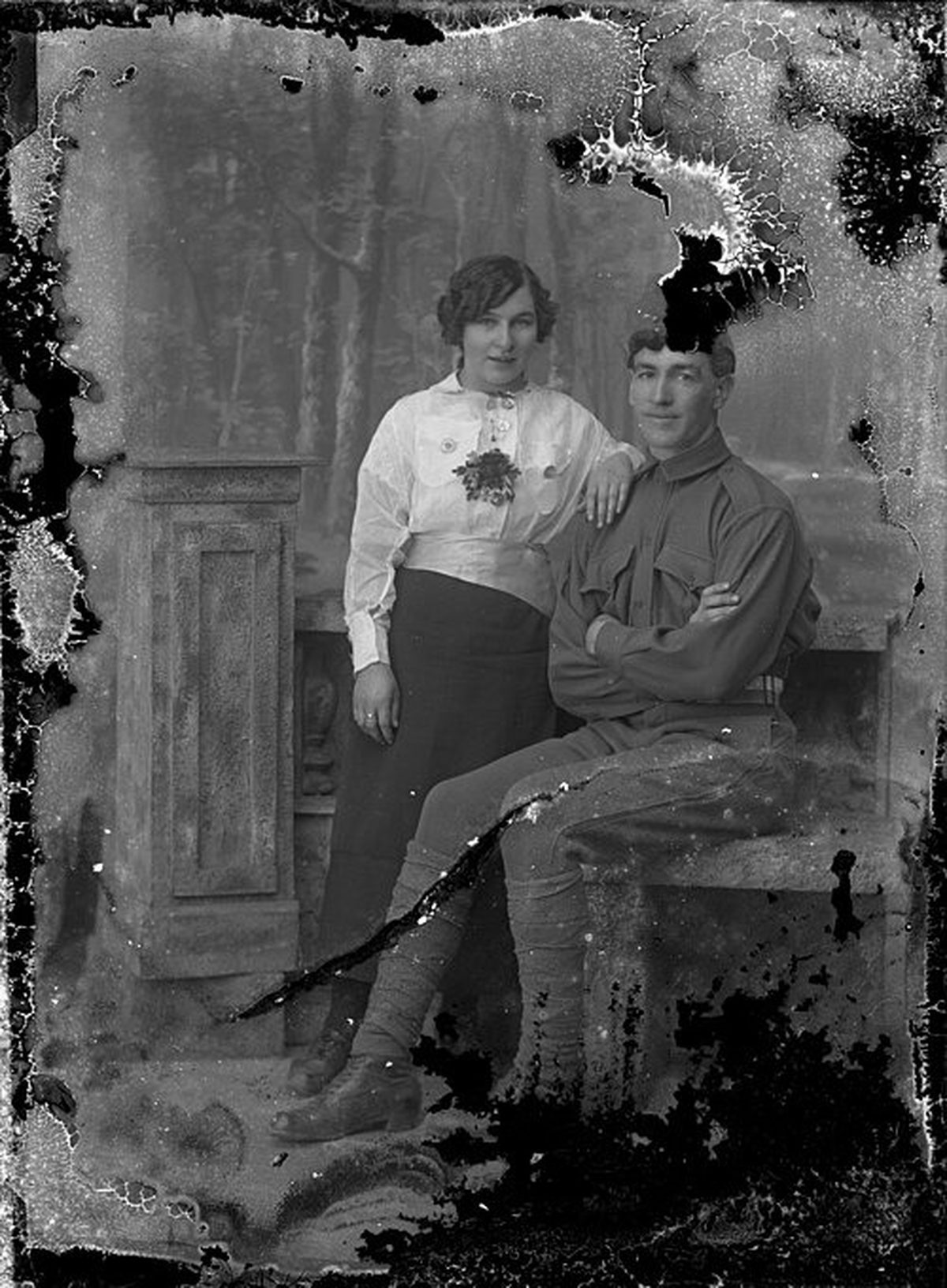
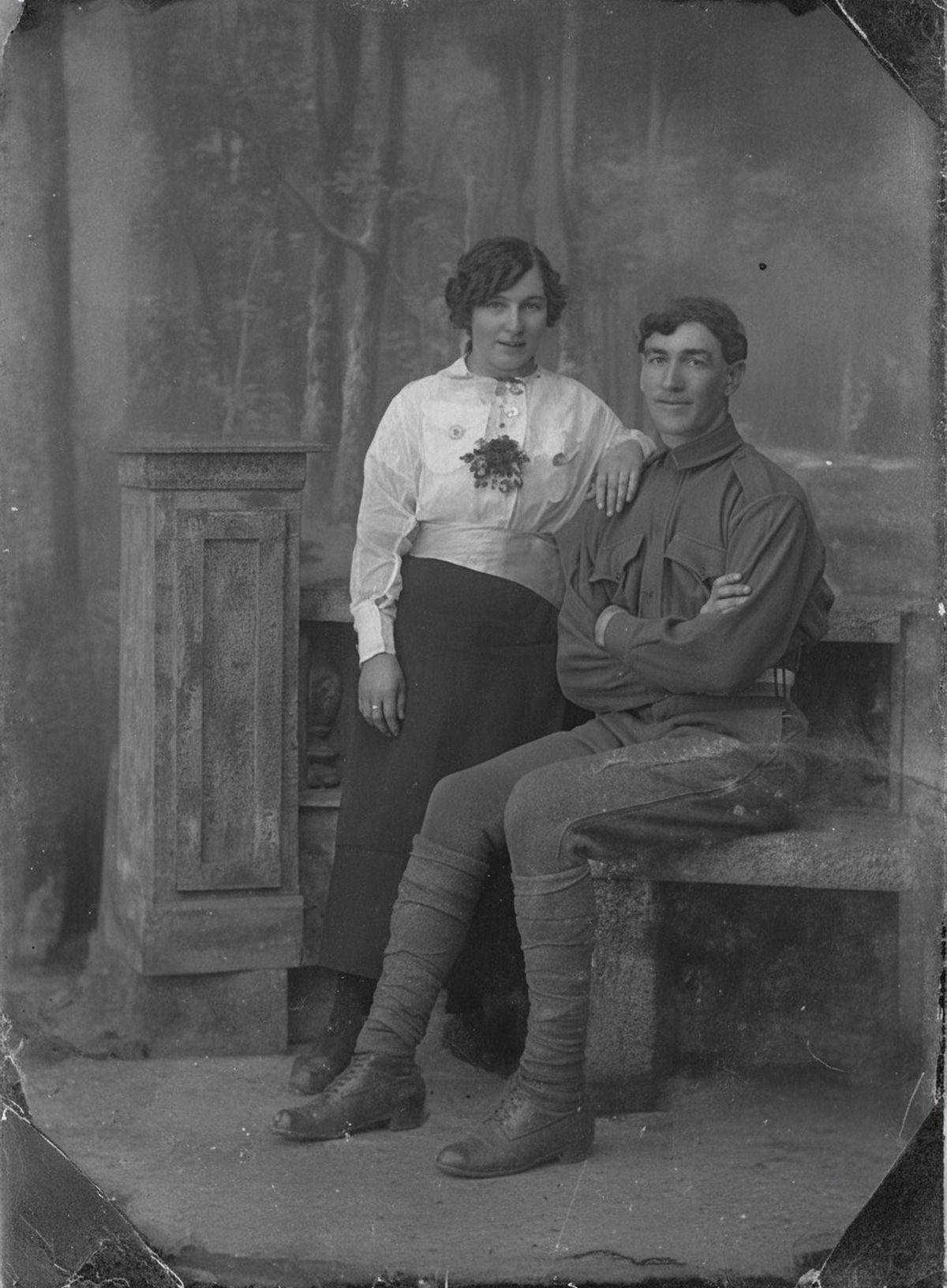
How it works
Upload your photo
Drop in a scan or phone photo of the damaged print. Your original is never touched, and there's no signup.
Preview it free
See the restoration beside your photo in about a minute. Drag the slider and judge it for yourself before you spend a cent.
Keep what you love
Pay only for the results worth keeping, then download them in full resolution.
Preview your photo — freeWhat to know before restoring this photograph
The warm cast on an old photograph is baked in, not resting on top. It accumulates from several directions at once: acidic paper browning as its own lignin breaks down, leftover processing chemistry — fixer that was never fully washed out — slowly attacking the silver image, and years of light and heat doing their quiet work.
Where the yellow sits tells you its source. An even overall cast suggests paper aging or exposure; heavy browning that creeps in from the edges usually means acidic mats or album pages were pressed against the print for decades, staining it from the outside in — sometimes with a darker burn line matching the mat's window.
Scan at 600 dpi with the scanner's automatic color correction switched off. The exact color of the cast is information — the correction works by reading it — and a scanner that helpfully pre-neutralizes hands the restoration a guess instead of evidence.
The AI then lifts the overall yellow, rebuilds the contrast that age flattened, and evens out patchy discoloration so the print reads as a photograph again instead of an artifact of its storage, keeping the scene's character rather than forcing a modern gloss.
An even age cast is among the most dependable corrections there is. The uncertainty lives elsewhere: nothing records what the original hues actually were, so the neutralized result is a well-reasoned interpretation of the print, not a measurement of the day it was made.
Faces are the test. Pulling yellow out globally can drain warmth from skin, leaving people looking pale or gray in a way no one remembers. Check that skin and clothing tones still look like the people and era in question, and prefer a slightly warm result to a clinically neutral one.
If several prints from the same batch survive, correct one first and compare it with the others. Prints that aged together drift together, and the least-yellowed of the set is a genuine reference the rest can be judged against.
Keep the uncorrected scan beside the balanced master and label which is which. The cast the print carries today is part of its history; the corrected file is the version made for looking at.
The free preview shows the yellow lifting and the contrast returning before any decision is needed. If the balanced version still reads as the same photograph — just easier to see — export the versions you want, and that is the extent of the cost.
Questions about yellowed photographs
Can you fix a photo that has turned yellow or brown with age?
Yes—an even age cast is one of the more reliable corrections. AI can neutralize the overall yellow, rebuild contrast, and even out patchy discoloration while keeping the scene’s character. Where color has shifted unevenly or paper has stained, treat the corrected tone as a careful interpretation and check that faces still look natural.
Will correcting the color change how people actually looked?
It can, which is why restraint matters. AI has no record of the original hues, so it reconstructs plausible, natural tone rather than documented color. Compare the result against any better-preserved prints of the same people, keep skin tones believable, and label the corrected version as edited so it’s clear what was rebalanced.
How much does a restoration cost?
The preview is free. Full-resolution downloads are $7.99 per photo, and the rate drops the more you restore — down to $4.49 each on the largest batches. Each photo includes up to three restoration attempts, and downloads stay available for 30 days.
Can I print the restored version?
Yes, if the file has enough pixels for the intended size. Inspect faces and fine details before printing, and keep the higher-resolution master separate from the print export.
See what your photo can become
Upload it, preview the restoration free, and keep only the result that feels right.
Preview your photo — free- 3 free previews a month
- No signup
- Ready in minutes
- One payment — nothing to cancel