Restore / missing pieces
Reconstruct Missing Pieces of an Old Photo
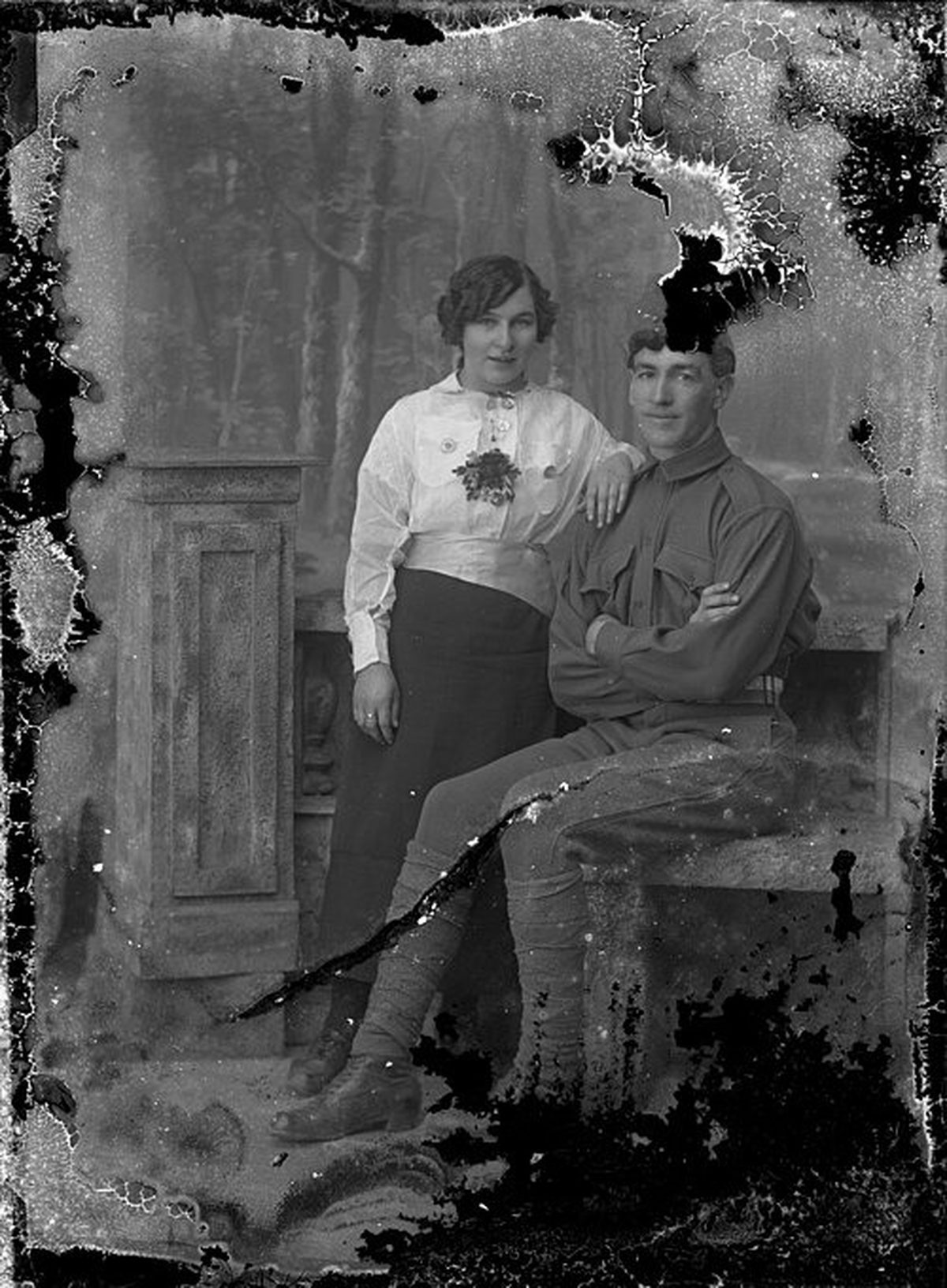
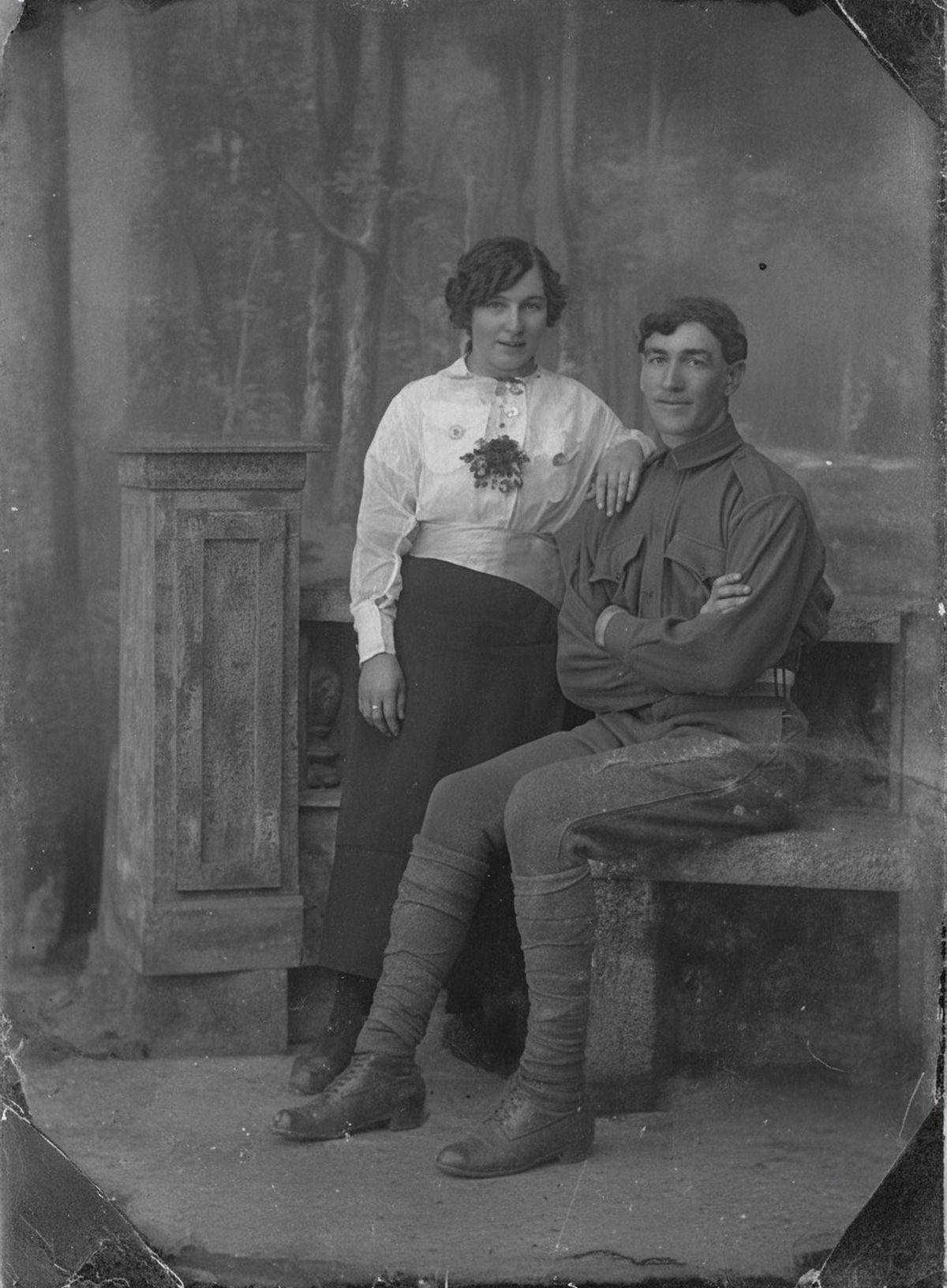
AI can extend simple surroundings, continue clothing seams, and blend a reconstructed patch into nearby tone and photographic texture. No system can know unseen jewelry, text, or facial expression. Severely damaged areas are reconstructed and may differ from the original. Keep the untouched scan beside the result.
- 3 free previews a month
- No signup
- Ready in minutes
- One payment — nothing to cancel
How it works
Upload your photo
Drop in a scan or phone photo of the damaged print. Your original is never touched, and there's no signup.
Preview it free
See the restoration beside your photo in about a minute. Drag the slider and judge it for yourself before you spend a cent.
Keep what you love
Pay only for the results worth keeping, then download them in full resolution.
Preview your photo — freeWhat to know before restoring this photograph
A missing piece is a different problem from every other kind of photo damage: there is nothing under it to recover. A clipped corner, a punched album hole, a section torn away, even insect loss — silverfish genuinely eat gelatin emulsion — all leave true absence, and everything placed into that absence is new.
What makes reconstruction workable at all is the surviving boundary. A wallpaper pattern that repeats, a floorboard line that continues, a sky that shades smoothly — edges like these dictate what the gap almost certainly contained. A missing face, a lost caption, or hidden jewelry dictates nothing; those are unknowable.
Scan every surviving fragment front and back, once individually and once arranged in position, all at the same resolution, with the frame uncropped and generous empty margin so no edge gets clipped. The arrangement capture drives the repair; the individual captures preserve the evidence.
Given that material, the AI extends simple surroundings across the gap, continues clothing seams and architectural lines, and settles the new patch into the neighboring tone and grain so the join stops announcing itself.
Hold two confidence levels in mind at once. The rebuilt sky over a shoulder can be treated as dependable; a rebuilt hand or hat brim is an educated guess; a rebuilt face is a stand-in for a person the picture no longer contains. All three can sit in the same repaired corner.
When the lost region held a person's features, the honest options are a light, obviously soft fill or an unfilled gap. A confident invented face will be mistaken for the real one by everyone who never saw the original — that is the risk to manage on this page more than any other.
Before accepting a draft, show the original scan to someone else and ask what they see, then show the reconstruction. A fresh viewer catches a misplaced edge or an expression that drifted in ways the person who requested the repair no longer can.
Archive the fragment scans, the assembled scan, and the reconstruction together, with a sentence naming exactly which region was filled. The gap is part of this photograph's history even after it stops being visible.
Try it on the free preview first: upload the assembled scan and see whether the gap closes into something that belongs. Keep the untouched capture beside the reconstruction, export only the versions that convince you, and pay just for those.
Questions about photographs with missing pieces
Can you rebuild a photo with a missing corner or torn-out piece?
AI can carry a plain background across a gap, continue a clothing seam, and blend a filled patch into the surrounding tone and grain, which works best when the missing area is simple and the edges nearby survived. It can't know what a lost face looked like or what a torn-away caption said — those areas are educated guesses, not recovered detail. Keep the untouched scan so you can always see which parts were rebuilt.
If a face is in the missing section, will AI recreate the right person?
No — a face that isn't in the source can only be imagined, so treat any rebuilt face as a plausible stand-in rather than a likeness. AI is far more dependable filling plain background, wallpaper, or a continuous edge. When a person's features are gone, the honest move is a light, clearly-noted fill or leaving the gap visible.
How much does a restoration cost?
The preview is free. Full-resolution downloads are $7.99 per photo, and the rate drops the more you restore — down to $4.49 each on the largest batches. Each photo includes up to three restoration attempts, and downloads stay available for 30 days.
Do I keep the untouched original?
Always. Nothing overwrites your source — the result is a fresh copy you can accept or discard. Store the original scan apart from the restored version and record which areas were reconstructed.
Can I print the restored version?
Yes, if the file has enough pixels for the intended size. Inspect faces and fine details before printing, and keep the higher-resolution master separate from the print export.
See what your photo can become
Upload it, preview the restoration free, and keep only the result that feels right.
Preview your photo — free- 3 free previews a month
- No signup
- Ready in minutes
- One payment — nothing to cancel