Restore / color photo
Restore an Old Faded Color Photo
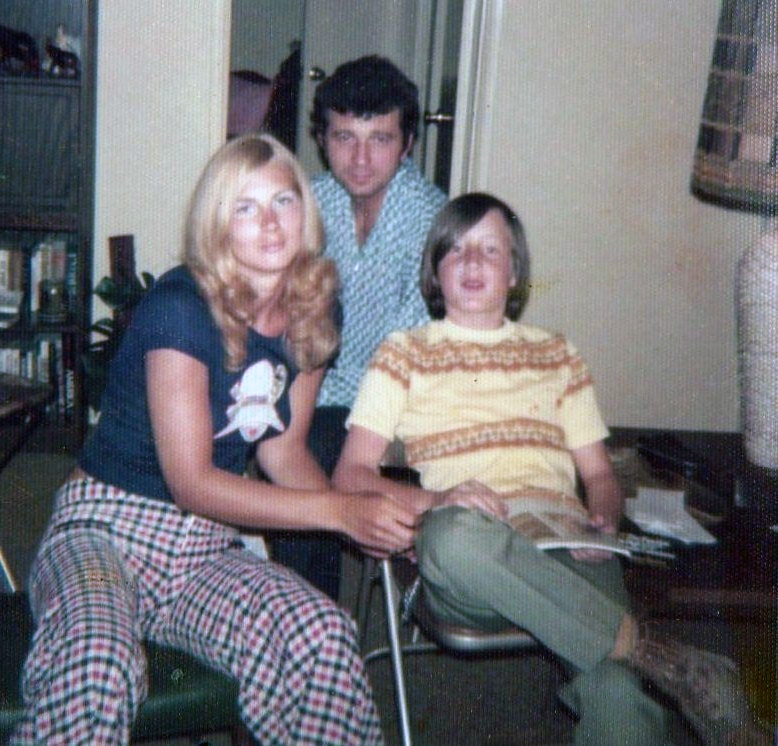
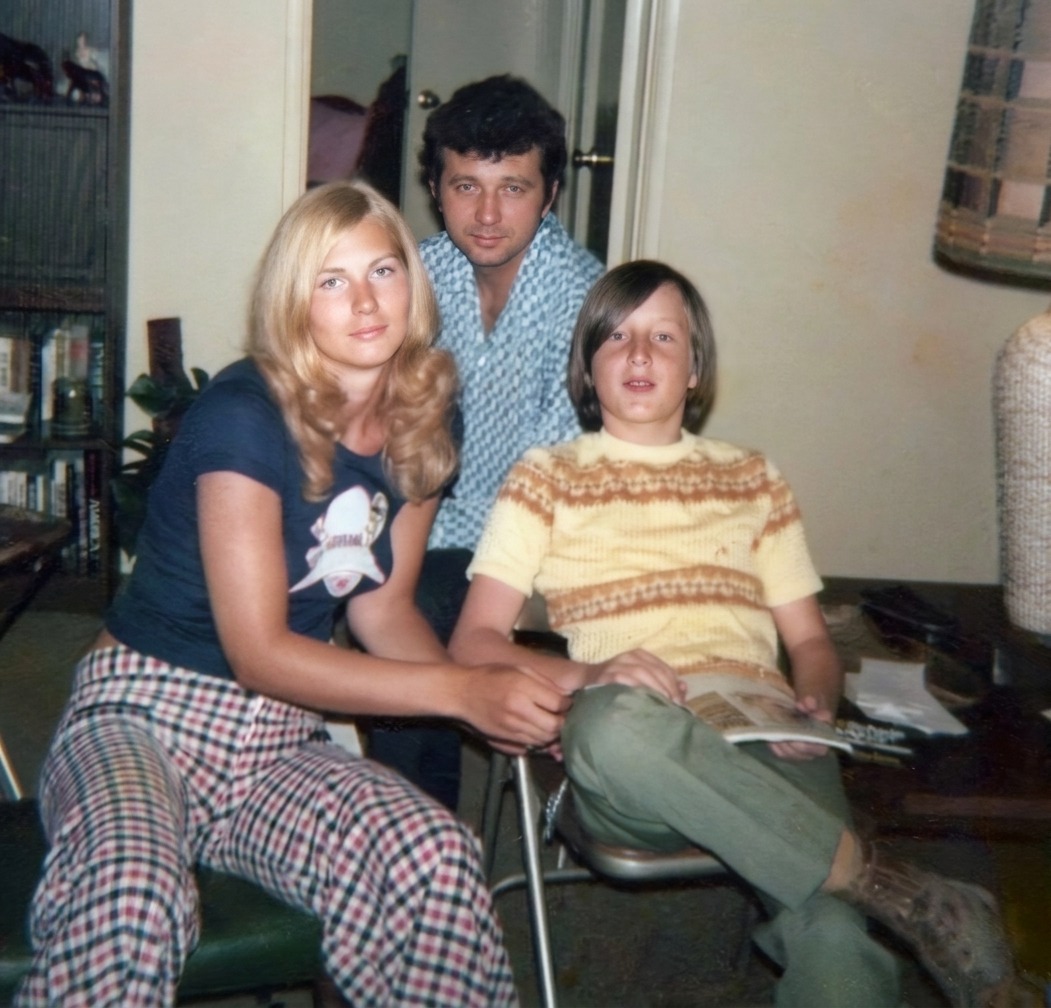
AI can rebalance a color print that has drifted orange, magenta, or blue, lift the faded contrast, and recover natural color across skin and clothing. The corrected color is a reasoned reconstruction of how the print aged, not a measurement of the original dyes. Check that faces look believable and keep the untouched scan beside the result.
- 3 free previews a month
- No signup
- Ready in minutes
- One payment — nothing to cancel
How it works
Upload your photo
Drop in a scan or phone photo of the damaged print. Your original is never touched, and there's no signup.
Preview it free
See the restoration beside your photo in about a minute. Drag the slider and judge it for yourself before you spend a cent.
Keep what you love
Pay only for the results worth keeping, then download them in full resolution.
Preview your photo — freeWhat to know before restoring this photograph
Color prints fade in a way black-and-white never does. The three dye layers that build the image do not age at the same rate: the cyan usually fails first, so a print left in a drawer for forty years drifts warm — toward orange and magenta — while one taped to a sunlit wall bleaches pale and thin. The photograph is still there; it has simply lost its balance.
That imbalance is the good news. Because the fade follows the chemistry of the dyes, the correction can work backward from it — reading the surviving color and rebuilding the layers that thinned — rather than guessing from nothing. Most drugstore prints from the 1970s, 80s, and 90s respond well to exactly this.
Scan the print at 600 dpi with the scanner's automatic color correction switched off. The cast the print carries is information the restoration reads to do its work, and a scanner that quietly pre-neutralizes hands the edit a guess in place of evidence. Capture the whole print, borders and all.
The AI then removes the overall color cast, rebuilds the contrast that fading flattened, and recovers believable color across faces, clothing, and background so the print reads as a photograph again instead of a faded relic of its storage.
Where the dyes have died completely, honesty matters: a patch that has bleached to near-white holds no color to recover, so what returns there is a plausible reconstruction, not the original hue. Treat the balanced result as a faithful interpretation of a faded print, not a record of the exact color on the day it was made.
Faces are the test, as always. Pulling a heavy cast can drain warmth from skin or push it ruddy, leaving people looking unwell in a way no one remembers. Check that skin and clothing tones look like the people and the era, and prefer a slightly warm, natural result to a clinically corrected one.
If several prints from the same era survive, correct one first and compare it against the others. Prints processed at the same lab and stored together drift together, and the least-faded of the batch is a genuine reference the rest can be judged against.
Keep the uncorrected scan beside the rebalanced master and label which is which. The fade the print carries today is part of its history; the corrected file is the version made for looking at and sharing.
The free preview shows the cast lifting and the color returning before any decision is needed. If the balanced version still reads as the same photograph — just alive again — export the results you want, and that is the whole of the cost.
Questions about faded color photographs
Can you fix a color photo that has faded or turned orange?
Yes — this is one of the more reliable color corrections. As a print ages its dye layers fade unevenly, usually drifting orange or magenta, and AI can read that cast, rebalance it, and rebuild the faded contrast while keeping faces natural. Where a color has bleached out entirely there is nothing left to recover, so treat those areas as a plausible reconstruction rather than the exact original hue.
Will the corrected colors match how things really looked?
Mostly, where evidence survives. The fade follows the chemistry of the dyes, so the correction works backward from the surviving color rather than guessing, which is usually convincing for skin, sky, and everyday fabric. A specific dress shade or a fully bleached patch is an educated reconstruction, so compare the result against any better-kept prints of the same scene and keep the original scan as your record.
How much does a restoration cost?
The preview is free. Full-resolution downloads are $7.99 per photo, and the rate drops the more you restore — down to $4.49 each on the largest batches. Each photo includes up to three restoration attempts, and downloads stay available for 30 days.
Can I print the restored version?
Yes, if the file has enough pixels for the intended size. Inspect faces and fine details before printing, and keep the higher-resolution master separate from the print export.
See what your photo can become
Upload it, preview the restoration free, and keep only the result that feels right.
Preview your photo — free- 3 free previews a month
- No signup
- Ready in minutes
- One payment — nothing to cancel