Colorize / military photo
Colorize a Historic Military Photo Online
AI can draft natural skin and a consistent uniform palette, then clean fading or scratches that interfere with insignia and facial contours. Confirm branch and date using reliable records before correcting the draft. Never invent medal colors or present an uncertain colorization as documentary evidence. Keep the untouched scan beside the result.
- 3 free previews a month
- No signup
- Ready in minutes
- One payment — nothing to cancel
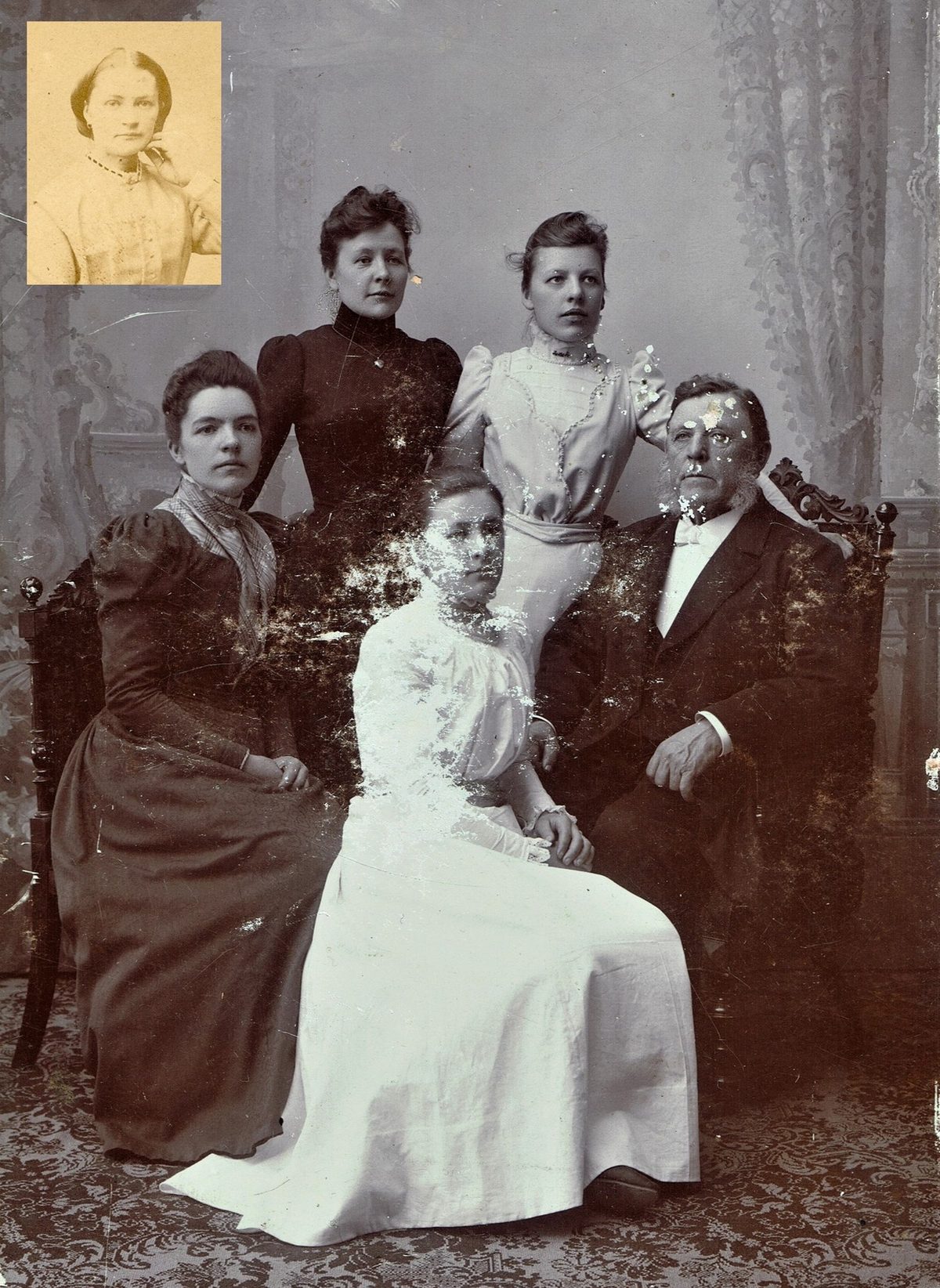
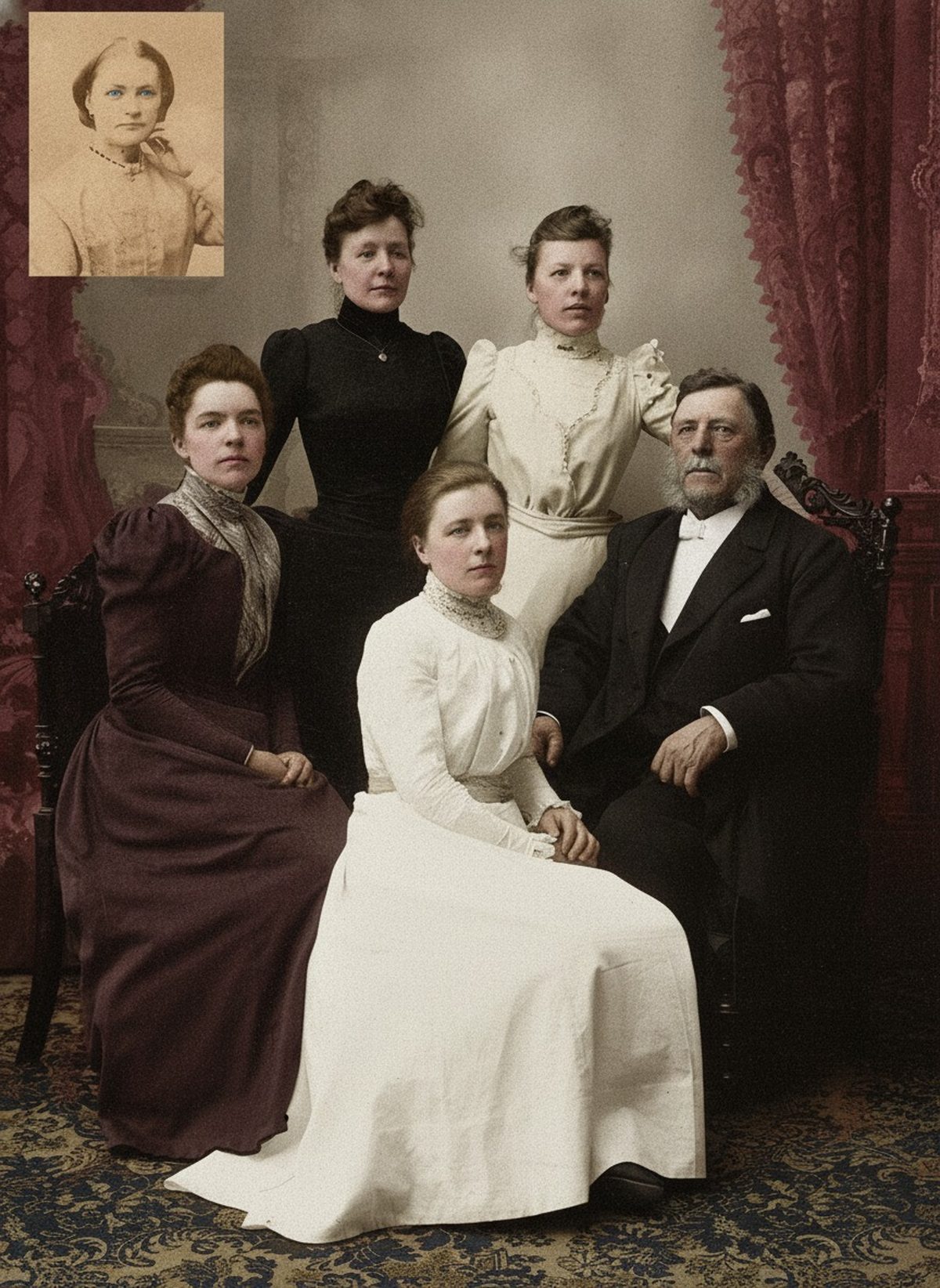
How it works
Upload your photo
Drop in a scan or phone photo of the damaged print. Your original is never touched, and there's no signup.
Preview it free
See the restoration beside your photo in about a minute. Drag the slider and judge it for yourself before you spend a cent.
Keep what you love
Pay only for the results worth keeping, then download them in full resolution.
Preview your photo — freeWhat to know before restoring this photograph
Military portraits are the rare colorization case where research can replace guesswork. Uniform cloth, piping, and backdrop conventions followed regulations, and many of those regulations survive — which means the palette for a service portrait can often be constrained by documented fact instead of being left entirely to the model.
The constraint cuts both ways. Khaki, olive drab, and navy blue are not interchangeable: each belongs to particular services, climates, and periods, and the same branch shifted shades over time. A plausible-looking green applied to the wrong era's uniform is an obvious error to anyone who knows the service. Before trusting any draft, establish branch and approximate period from the insignia, the cut of the uniform, or notes on the mount.
Capture more than the face. Scan the full mount, front and reverse, at 600 dpi — studio imprints, penciled names, unit numbers, and dates are exactly the references that let you check a palette later. Then return the original to storage and work only from the file.
From a clean scan, AI can draft natural skin tones and a coherent uniform palette, and it can calm the fading and scratches that interfere with reading insignia and facial contours. What it cannot do is know which regiment, which ribbon, or which period shade it is looking at; it infers a uniform-like color, not the uniform's color.
Insignia, patches, ribbons, and medals deserve particular suspicion. Where the scan is soft, a colorization can redraw these small structures as generic shapes — a rank badge that never existed, ribbon colors in an order no service issued. Never treat generated insignia as evidence: verify every device against reliable reference material, and where verification is not possible, keep that region close to the source.
Use documentation to steer, not just to check. If records establish the branch and period, name them in the request or correct the draft afterward — nudge the tunic toward the documented shade and keep genuinely uncertain devices muted rather than confidently wrong.
Distinguish what the color version can honestly claim. Skin, leather, brass, and background tones are plausible interpretation and read well; specific ribbon orders and medal colors are documentary claims, and a colorization is not a document. A family print can tolerate an interpreted palette; a memorial or research use should note exactly which colors were confirmed.
When you share the result, write down what you established — branch, approximate period, which uniform colors came from records — and store that note with both files, the untouched scan and the color version. That research is harder to reconstruct than the image is.
Preview the colorization free before committing: upload the scan, see the drafted skin and uniform tones, and compare them against your references. Export only when the palette holds up, paying just for what you download — the goal is a portrait the family recognizes, with the service member's details rendered no more confidently than the evidence allows.
Questions about historic military photographs
Is it possible to colorize a black-and-white military portrait accurately?
AI can add natural skin tones and a consistent uniform palette, then ease fading around insignia and faces so the portrait reads clearly. It works from the surrounding detail the scan still holds, not from any record of the true colors. Because branch and period hues varied, treat medal and ribbon colors as researched interpretation and confirm them against reliable records.
Will the medals and insignia come out the right color?
Not automatically. AI infers a plausible palette from tone and context, but it has no way to know the exact ribbon order or medal colors a specific service used. Look those up in reliable records, correct the draft, and keep a note of which colors are documented versus interpreted.
How much does a restoration cost?
The preview is free. Full-resolution downloads are $7.99 per photo, and the rate drops the more you restore — down to $4.49 each on the largest batches. Each photo includes up to three restoration attempts, and downloads stay available for 30 days.
Will running this change or damage the photo I upload?
It never touches the file you keep. The editor generates a new restored version and leaves your uploaded scan intact. Save that original under its own filename and note anywhere the restoration rebuilt missing detail.
Can I print the restored version?
Yes, if the file has enough pixels for the intended size. Inspect faces and fine details before printing, and keep the higher-resolution master separate from the print export.
See what your photo can become
Upload it, preview the restoration free, and keep only the result that feels right.
Preview your photo — free- 3 free previews a month
- No signup
- Ready in minutes
- One payment — nothing to cancel