Colorize / baby photo
Colorize an Old Black-and-White Baby Photo
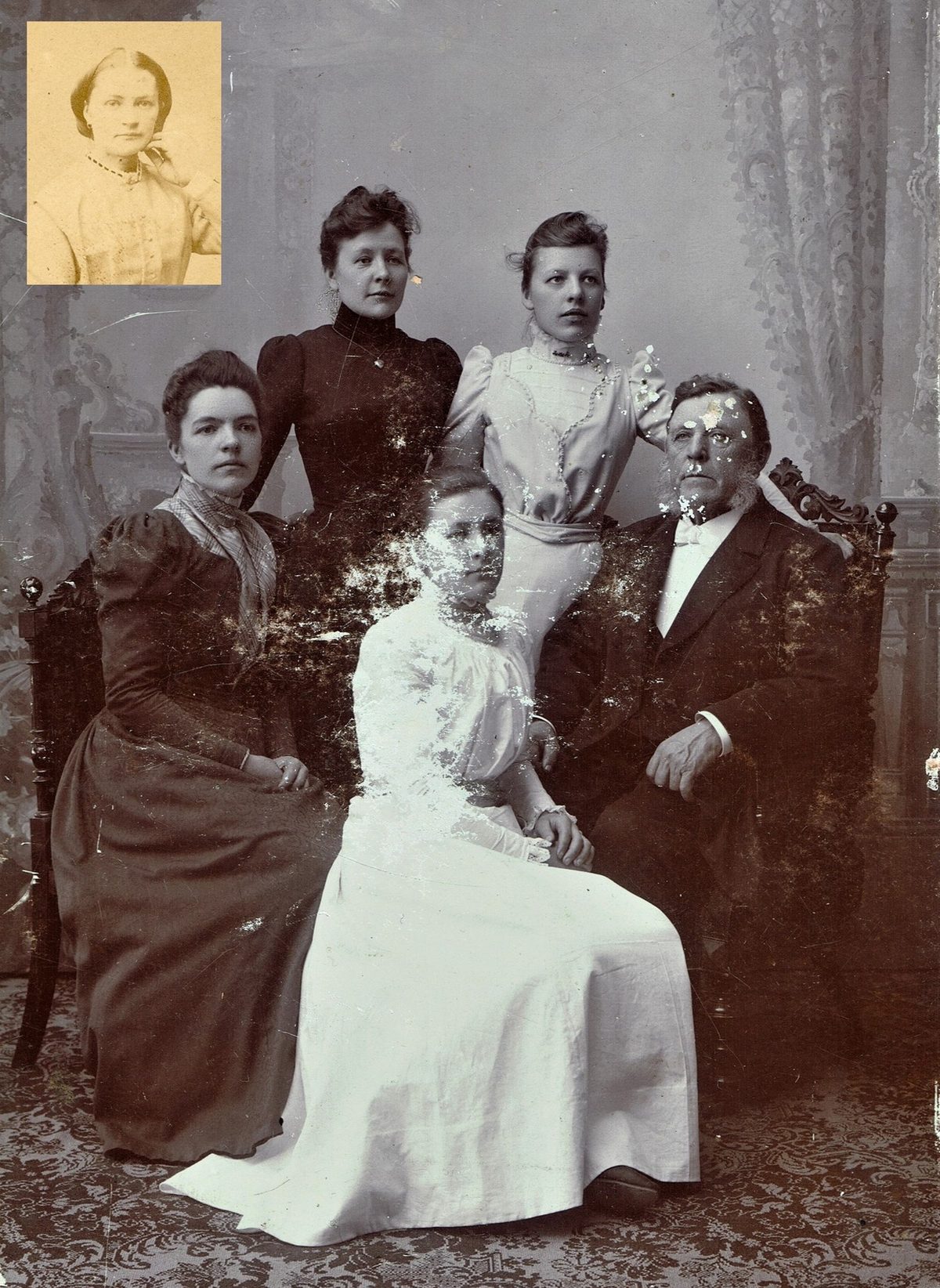
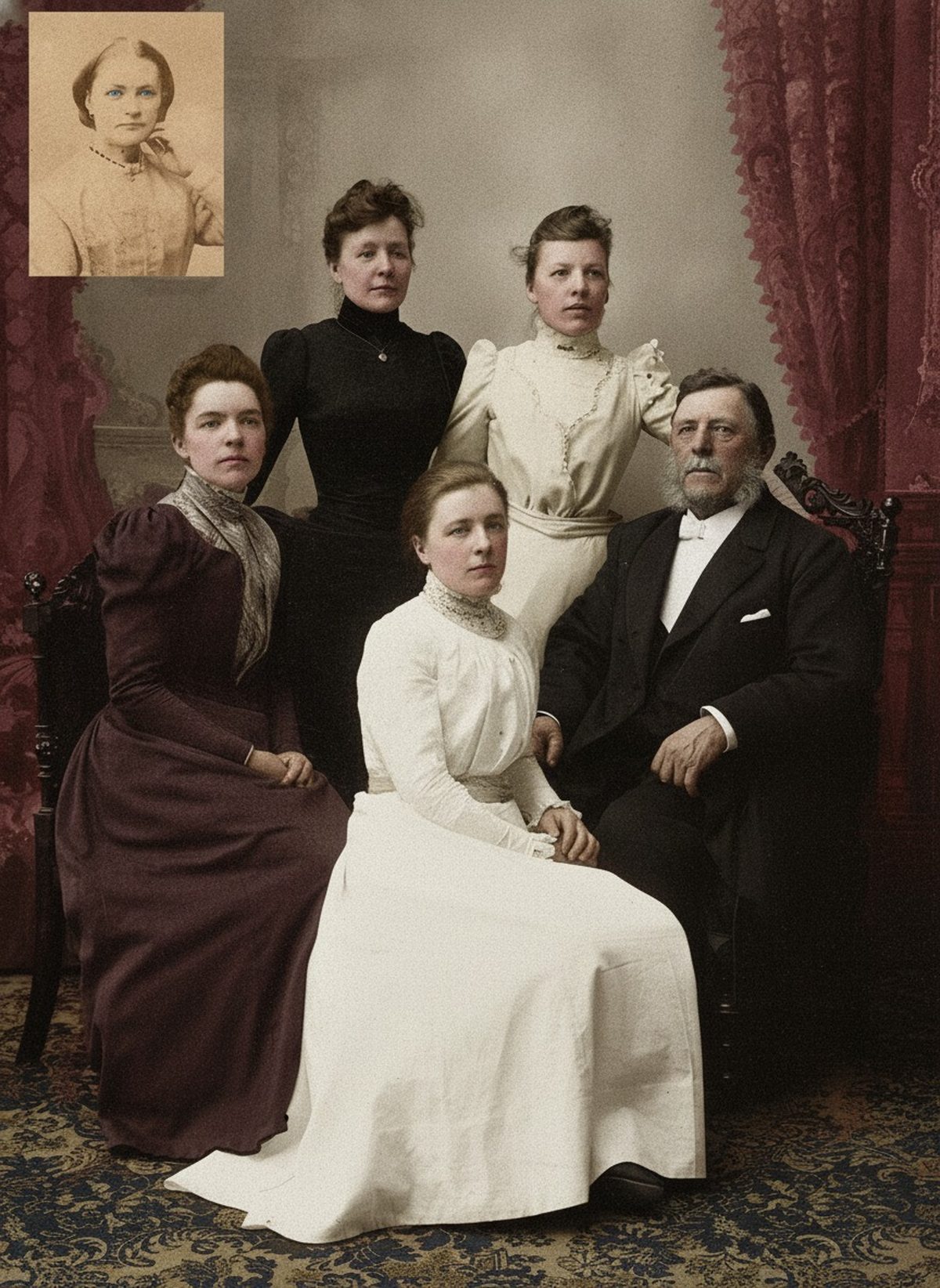
AI can add a soft, natural palette to a black-and-white baby photo, easing light fading while keeping the composition intact. Skin colors well from context, but a blanket, a christening gown, or eye color the photo never recorded is a guess. Ask relatives what they remember, label the result as colorized, and keep the original scan.
- 3 free previews a month
- No signup
- Ready in minutes
- One payment — nothing to cancel
How it works
Upload your photo
Drop in a scan or phone photo of the damaged print. Your original is never touched, and there's no signup.
Preview it free
See the restoration beside your photo in about a minute. Drag the slider and judge it for yourself before you spend a cent.
Keep what you love
Pay only for the results worth keeping, then download them in full resolution.
Preview your photo — freeWhat to know before restoring this photograph
A baby photo is often the one everyone wants in color, and it is a gentle case to colorize well. Infant skin, soft blankets, and simple studio backgrounds give the model clear, low-risk cues, and the result — a grandparent seen as a newborn — carries a particular emotional weight that makes getting it right matter.
Grayscale still only records brightness. The print tells the model how light or dark the blanket and gown were, never their color, so the palette it adds is inferred: skin toward soft, believable warmth, fabric toward the gentle pastels and whites of nursery goods, background toward plausible studio tones. Convincing, usually — verifiable from the print alone, never.
Skin is where colorization is at its most reliable, and babies are mostly skin. Newborn tone is soft and even, with few of the complications of an aged face, so the model tends to render it naturally. Keep it gentle: infant skin pushed too warm or too saturated looks feverish rather than healthy, and restraint reads as truth.
The undocumented details are the pastels. A blue or pink blanket, a family christening gown, a knitted bonnet — grayscale cannot tell you which color these were, and a soft blue and a soft pink can sit at nearly the same brightness. This is exactly where a relative's memory is worth more than any guess.
So ask before you settle: someone may remember the color of the shawl a baby was wrapped in, or know that a christening gown passed down the family is cream rather than white. Where memory speaks, use it — and where it is silent, keep the color quiet and note that those tones were interpreted.
Eye color is the honest exception, and it matters on a baby photo people study closely. Grayscale cannot separate a newborn's blue eyes from brown, and many babies' eyes changed color later anyway, so unless someone knows, treat the eyes the draft gives as a guess rather than a record.
Watch that the softening stays a colorization and not a transformation. If a draft smooths away the real features of the face as it colors, it has traded the actual baby for a generic one. Keep faces close to the source and prefer the quieter version whenever recognition is at stake.
Label the result colorized wherever it travels, and keep the black-and-white scan as the primary record. A line noting which colors a relative confirmed turns a sweet guess into a documented keepsake.
The preview is free: upload the scan, see the baby in soft color, and show it to the family. You pay only for the copies you keep, and if someone remembers the blanket differently, their correction is exactly what the next draft needs.
Questions about black-and-white baby photographs
Can you colorize an old black-and-white baby photo?
Yes, and babies are one of the gentler cases. Soft, even infant skin colors reliably from context, and AI can add a natural palette while easing light fading and keeping the composition intact. The guesses are in the pastels — a blanket, a gown, eye color — which the grayscale can't distinguish, so ask relatives what they remember and label the result as colorized.
Will the baby's eye color be right?
Only if someone knows it. Grayscale can't separate blue eyes from brown at the same brightness, and many babies' eyes changed color as they grew anyway, so the eyes in a colorized baby photo are an educated guess unless a relative or record confirms them. Treat them as an interpretation to enjoy rather than a documentary fact about how the baby looked.
How much does a restoration cost?
The preview is free. Full-resolution downloads are $7.99 per photo, and the rate drops the more you restore — down to $4.49 each on the largest batches. Each photo includes up to three restoration attempts, and downloads stay available for 30 days.
Is my original scan safe?
Yes. The colorization is a separate file, so your scan stays exactly as it was. Keep the raw black-and-white scan archived on its own as the primary record, and give the color version a new name so the two are never confused.
See what your photo can become
Upload it, preview the restoration free, and keep only the result that feels right.
Preview your photo — free- 3 free previews a month
- No signup
- Ready in minutes
- One payment — nothing to cancel