Restore / silvering
Reduce Silvering and Mirroring on Old Photos
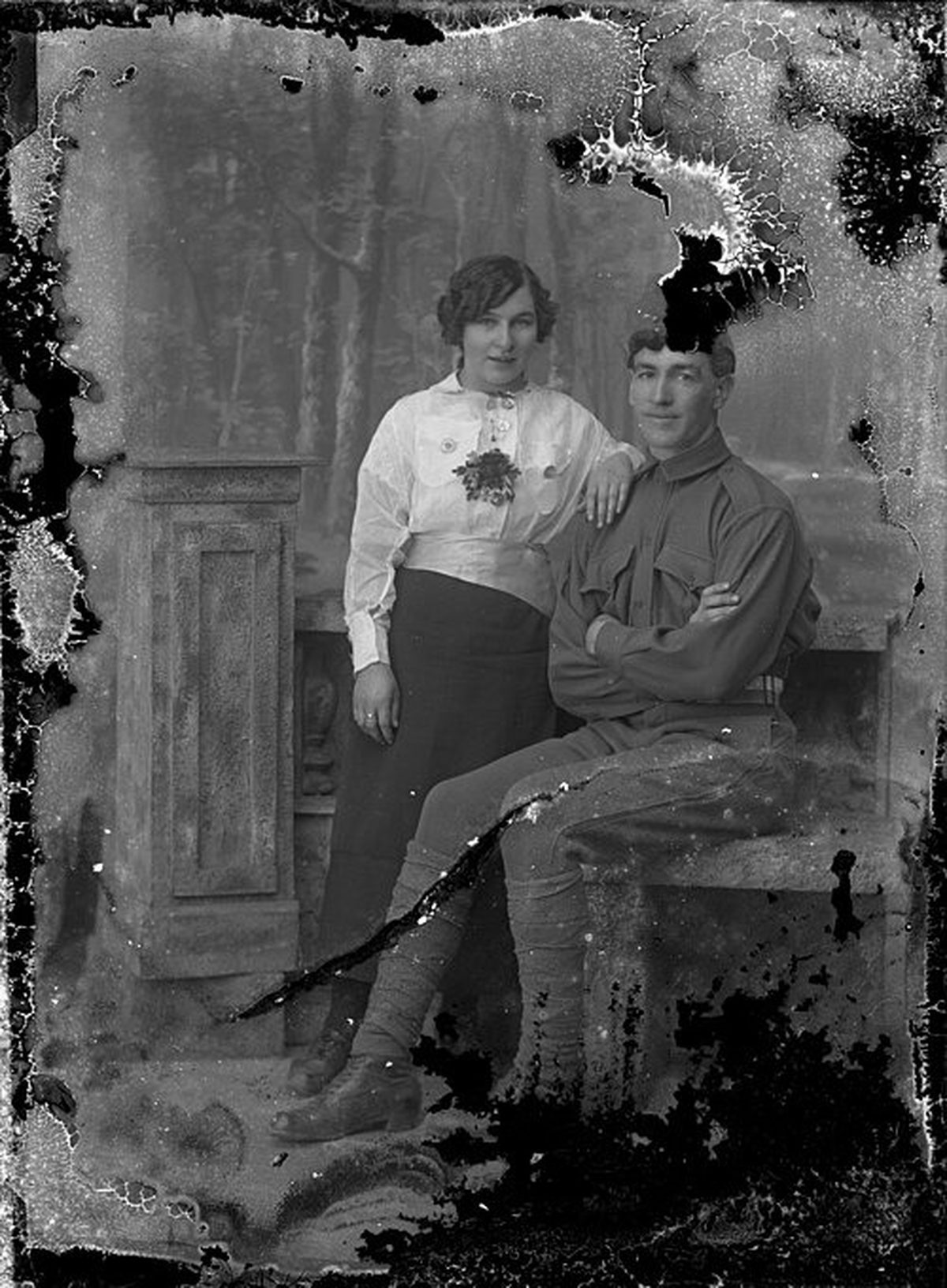
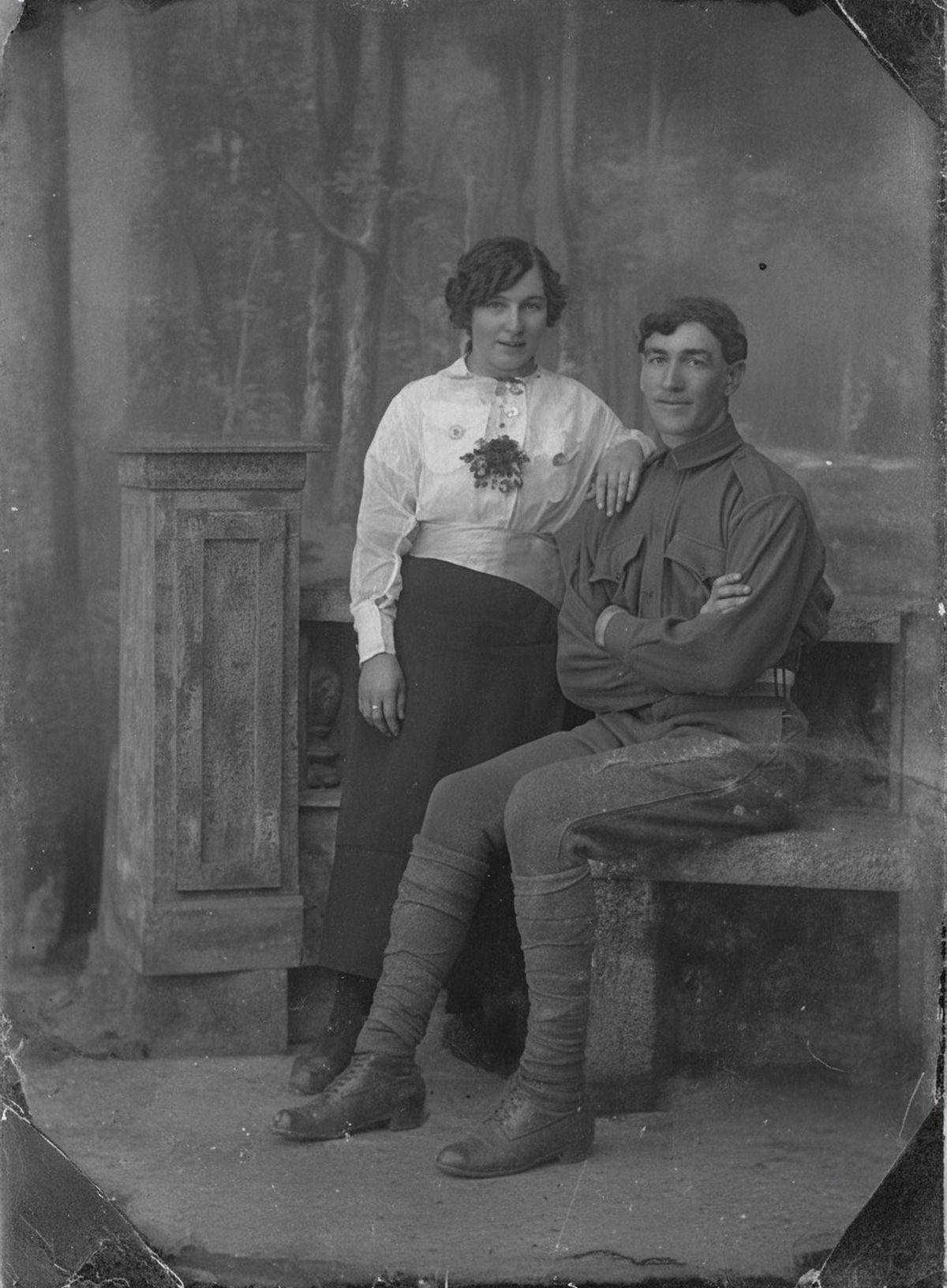
AI can reduce the metallic sheen and haze of silver mirroring on a scan so shadow detail reads more clearly. Silvering marks real chemical change in the print, and heavily affected areas may hold little recoverable detail. Scan carefully at an angle to capture the sheen honestly. Keep the untouched scan beside the result.
- 3 free previews a month
- No signup
- Ready in minutes
- One payment — nothing to cancel
How it works
Upload your photo
Drop in a scan or phone photo of the damaged print. Your original is never touched, and there's no signup.
Preview it free
See the restoration beside your photo in about a minute. Drag the slider and judge it for yourself before you spend a cent.
Keep what you love
Pay only for the results worth keeping, then download them in full resolution.
Preview your photo — freeWhat to know before restoring this photograph
The bluish, mirror-like sheen on an old black-and-white print is not tarnish sitting on the surface — it is the image itself, out of place. Over decades, humidity and pollutants drive the photograph's image silver to migrate toward the surface, where it redeposits as a thin metallic film. That is why silvering concentrates in the darkest areas: the dense shadows are where the silver is.
Tilt the print and the effect declares itself — shadows flash blue-metal at a raking angle and turn muddy and unreadable head-on. Prints stored in humid rooms or poor-quality envelopes show it soonest, often across only part of the frame. The chemistry is real change in the emulsion, which is why no amount of cleaning improves it.
Do not rub or polish the sheen. Because the mirror layer is image silver, wiping it away is erasing the photograph's own darkest tones by hand. Handle the print at its edges and store it cool and dry, which slows further migration.
Capture is where this damage is half-won. A flatbed scan at 600 dpi is the baseline, but the scanner's straight-on lamp can bounce the mirror back as glare, so also photograph the print at a slight angle in soft light. Between the two captures, the restoration gets a view past the sheen.
From there the AI reduces the metallic haze and evens the sheen so dark clothing, hair, and shadowed backgrounds separate into readable tones again. The improvement is strongest where real detail survives under a light-to-moderate mirror.
Heavily mirrored areas carry a caveat: the same migration that built the sheen has degraded the image beneath it, so a fully silvered shadow may simply hold very little. What the draft shows there is a plausible reading, not a recovered certainty.
Check the result in the shadows specifically — a face half-lost in a dark doorway, the texture of a black coat. Those are the regions this damage lives in, and the ones to compare against both captures before accepting.
Keep the straight scan, the angled capture, and the restored version together, and note that the shadows were digitally clarified. The physical print will keep silvering slowly; the archived files hold what it looked like today.
Run the free preview and watch whether the muddy shadows open up. If the print reads clearly again, export what you want to keep — the fee applies to those downloads and nothing before them.
Questions about photographs with silvering
What is silvering and can it be fixed?
Silvering is the bluish, mirror-like sheen that forms in a photo’s darkest areas as the silver in the emulsion migrates to the surface over time. AI can reduce that haze on a scan so shadow detail reads more clearly, but where the change is heavy the underlying detail may be limited—those areas get a plausible improvement rather than a full recovery.
How should I scan a photo with a metallic sheen?
A flatbed scan at 600 dpi is a good start, but silvering can glare under direct light, so it also helps to photograph the print at a slight angle. Giving the restoration a capture that sees past the mirror-like surface makes it far more likely the shadow detail underneath can be brought out.
How much does a restoration cost?
The preview is free. Full-resolution downloads are $7.99 per photo, and the rate drops the more you restore — down to $4.49 each on the largest batches. Each photo includes up to three restoration attempts, and downloads stay available for 30 days.
Can I print the restored version?
Yes, if the file has enough pixels for the intended size. Inspect faces and fine details before printing, and keep the higher-resolution master separate from the print export.
See what your photo can become
Upload it, preview the restoration free, and keep only the result that feels right.
Preview your photo — free- 3 free previews a month
- No signup
- Ready in minutes
- One payment — nothing to cancel