Restore / 2000s photos
Restore 2000s Photos Online
AI can clean up early digital-camera photos, softening JPEG blockiness, reducing low-light noise, easing red-eye and enlarging small files, and can revive faded inkjet prints scanned back in. It cannot add real detail a one- or two-megapixel sensor never captured, and enlarged or rebuilt areas may differ from the original. Preview the repair free and keep the untouched file beside it.
- 3 free previews a month
- No signup
- Ready in minutes
- One payment — nothing to cancel
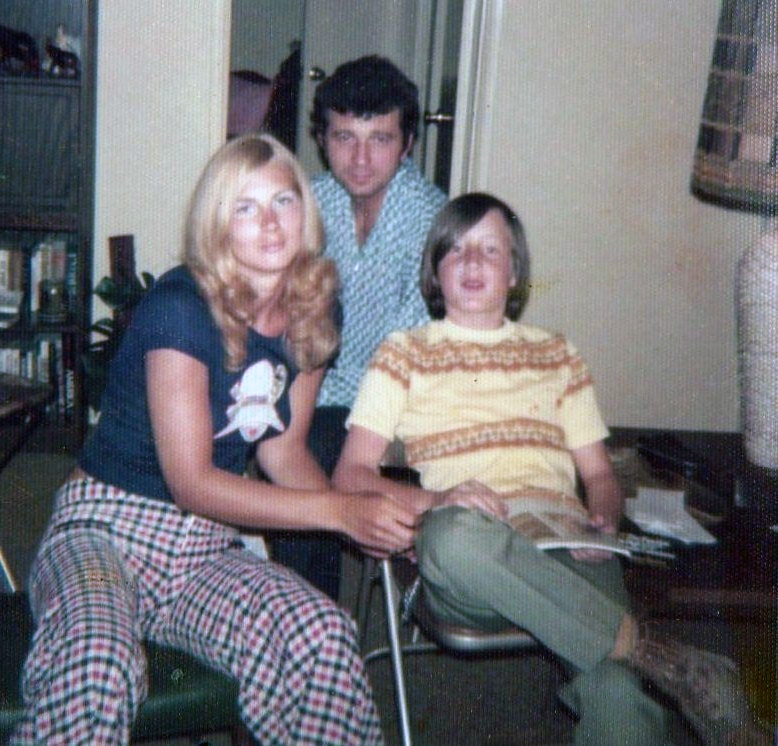
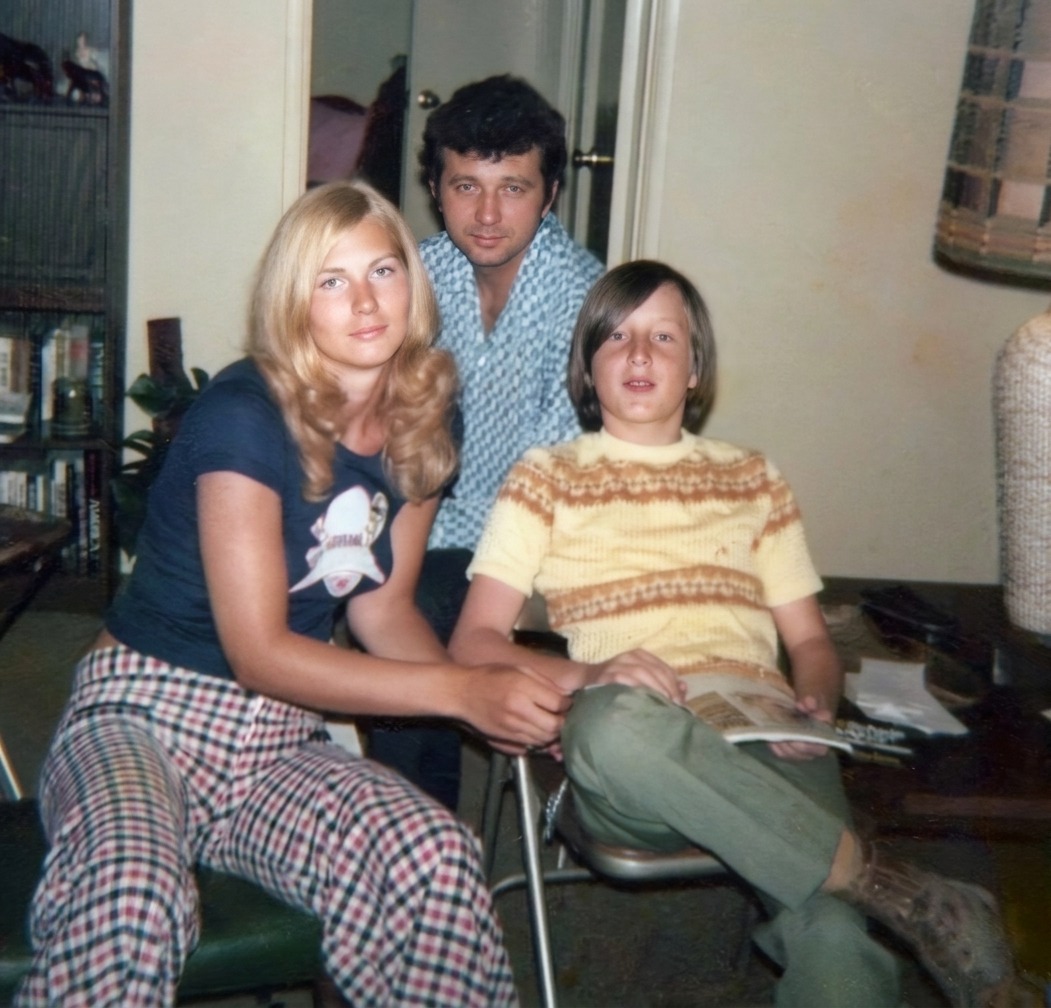
How it works
Upload your photo
Drop in a scan or phone photo of the damaged print. Your original is never touched, and there's no signup.
Preview it free
See the restoration beside your photo in about a minute. Drag the slider and judge it for yourself before you spend a cent.
Keep what you love
Pay only for the results worth keeping, then download them in full resolution.
Preview your photo — freeWhat to know before restoring this photograph
The 2000s are the hinge decade: the last era of drugstore prints and the first of the family photo that never existed on paper. Restoring it means handling both kinds of object — early digital files with their own peculiar flaws, and home-printed copies that have aged badly.
An early digital camera saved small, hard-compressed JPEGs. One or two megapixels leaves a face made of a handful of pixels; compression paints block patterns into skies and shadows; tiny on-camera flashes sat close to the lens and produced strong red-eye; and dim rooms filled with the colored noise those first sensors could not avoid. None of this is damage in the print sense — the file today is exactly as flawed as the day it was taken.
The paper side has its own chemistry. Home inkjet prints of the era used dye inks that fade fast and unevenly — often toward orange or green — and some glossy stocks develop bronzing, a metallic sheen visible at an angle across dark areas. A kiosk or lab print of the same file typically survived better.
Before restoring any print from this decade, hunt for the file it came from. Old memory cards, burned CDs, and retired laptops are failing right now, but a recovered original always beats a scan of its faded printout — and copying those files to current storage is itself the most valuable restoration step available.
Where the file is the source, AI can genuinely help: softening JPEG blockiness, quieting low-light noise, fixing red-eye, enlarging a small image to printable size, and rebalancing a scanned inkjet whose dyes have wandered.
Enlargement deserves the plainest honesty. Scaling a two-megapixel file to poster size means the software drafts most of the new pixels; textures and backgrounds fare well, but an upscaled face is a proposal to review, not recovered detail, because the sensor never captured it.
One artifact is best refused politely: the photograph of a screen. Pictures snapped of monitors, TVs, or other photos on displays carry moiré and banding woven through the image, and no cleanup fully unweaves it. The file behind the screen is nearly always findable and always better.
Test with one image straight from the old folder — the noisier the better. The preview is free, the source file stays exactly as it was, and payment applies only to restored versions you choose to export.
Questions about 2000s photographs
Can you improve a blurry, low-resolution digital camera photo?
To a point. AI can enlarge the file, reduce noise and smooth JPEG blockiness, which makes a small early-digicam photo look cleaner. It can't add real detail the low-megapixel sensor never captured, so preview the result at full size before printing it large.
Why do my early 2000s photos look blocky when I zoom in?
That's JPEG compression, early cameras discarded detail to fit more photos on small cards, and re-saving added more. Restoration can reconstruct plausible edges and texture to reduce the blockiness in a copy while keeping the original file untouched.
Can red-eye from an old flash photo be fixed?
Yes, red-eye correction is a reliable repair. AI can also ease the harsh, flat look of a direct on-camera flash. Preview the result to make sure eyes look natural rather than dark or artificial.
My inkjet prints from the 2000s have faded. Can they be restored?
Often yes. Dye-based inkjet prints of that era fade and shift colour quickly, but scanning them at 600 dpi and rebalancing the colour recovers a usable image, sometimes the only option if the original digital file is gone.
Which version of a 2000s photo restores best?
The least-compressed one you can find, usually the original JPEG straight off the memory card or a backup, rather than an emailed or social-media copy that was shrunk. Start from the best source and the restoration has more to work with.
See what your photo can become
Upload it, preview the restoration free, and keep only the result that feels right.
Preview your photo — free- 3 free previews a month
- No signup
- Ready in minutes
- One payment — nothing to cancel