Colorize / 1960s photo
Colorize a 1960s Black-and-White Photo
AI can add a restrained, period-appropriate palette to a black-and-white 1960s photo, repairing light fading along the way, while leaving faces and composition untouched. Color the photo never recorded is an educated guess, so confirm known details against memory or records. Label the result as colorized and keep the black-and-white scan as your record.
- 3 free previews a month
- No signup
- Ready in minutes
- One payment — nothing to cancel
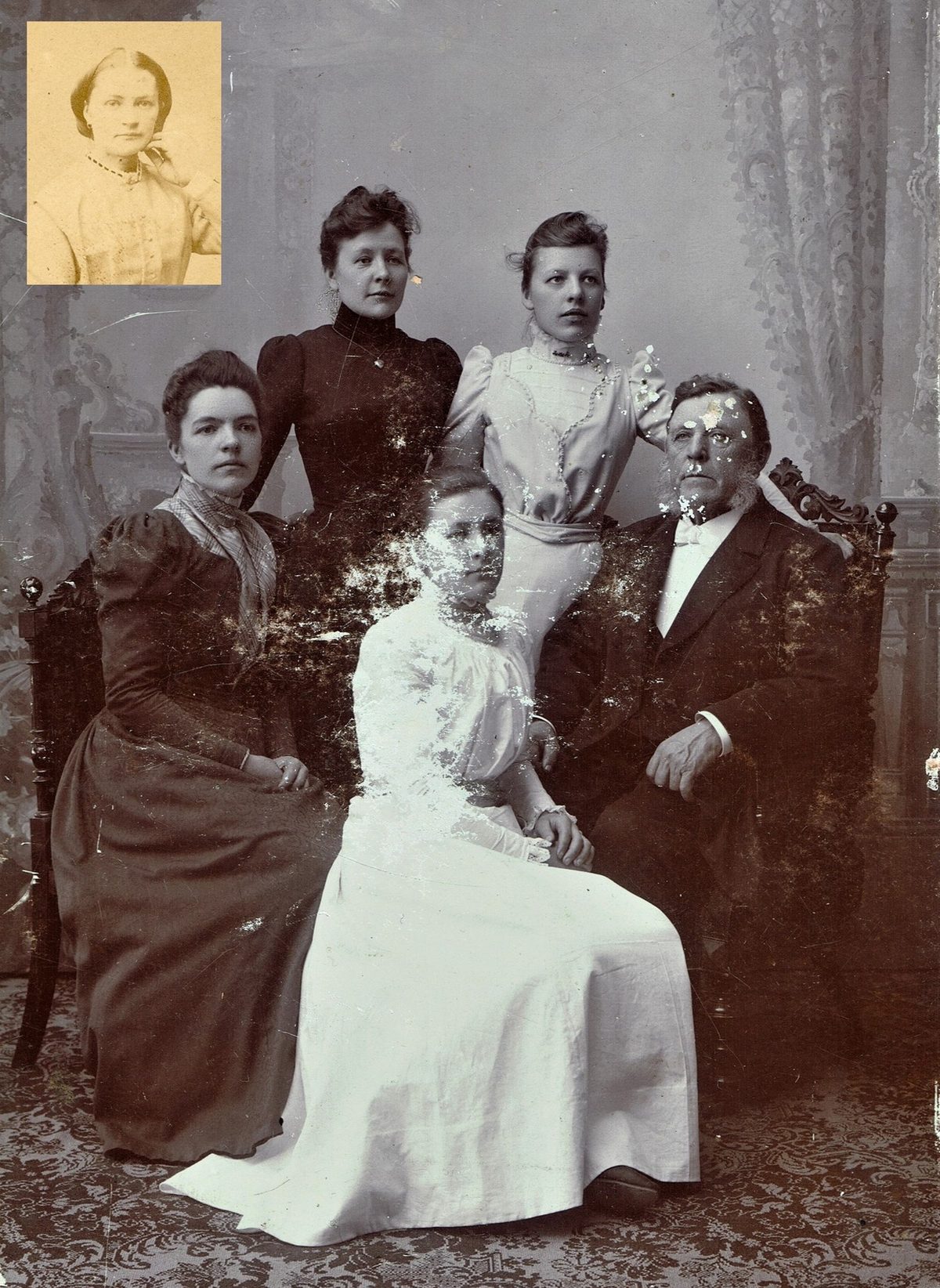
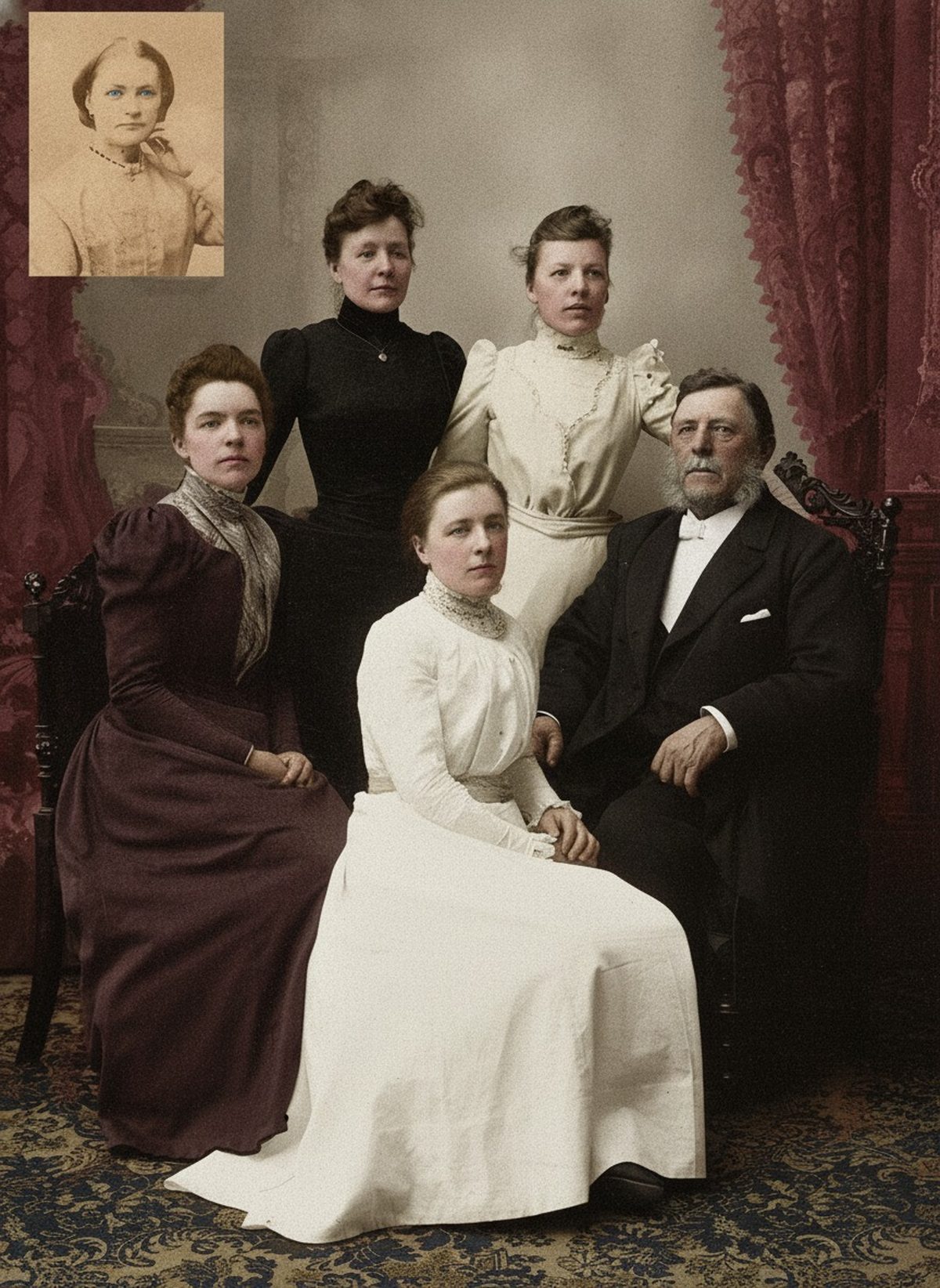
How it works
Upload your photo
Drop in a scan or phone photo of the damaged print. Your original is never touched, and there's no signup.
Preview it free
See the restoration beside your photo in about a minute. Drag the slider and judge it for yourself before you spend a cent.
Keep what you love
Pay only for the results worth keeping, then download them in full resolution.
Preview your photo — freeWhat to know before restoring this photograph
The 1960s is a decade split down the middle. Color film was spreading fast — many family snapshots from the later 60s are already in color — but black-and-white was still the norm for everyday photography, school portraits, newspapers, and anyone economizing, so a 1960s box usually holds plenty of monochrome worth coloring.
That split is worth checking first. If a photograph is already color but faded, it needs a color correction, not colorization; colorization is for the genuinely black-and-white frames, where the print records only brightness and the palette has to be inferred rather than recovered.
For those monochrome frames, grayscale gives the model light and dark and nothing about hue. The color it adds is reasoned — skin toward believable warmth, fabric toward period dyes, interiors toward plausible materials — often convincing, never verifiable from the print alone. A draft that leans natural and slightly muted usually sits closer to the truth than one colored bright.
The 1960s does offer more knowable anchors than earlier decades. Cars have documented factory paint, many uniforms and team colors are recorded, and living memory of a 60s scene is often still reachable — so a surprising amount of a 1960s frame can be pinned to fact rather than guessed.
Where memory or a record settles a color, use it, because those anchors do double duty: a confirmed car or uniform not only gets its own hue right but calibrates the palette around it, making the reasoned guesses for everything else more plausible in turn.
Scan the print at 600 dpi in color, catching any border or handwritten date, note who is in it and roughly when, and keep that capture untouched — the colorization should always run on a copy. On faces the model does well; eye color is the exception grayscale cannot resolve, so if no one remembers, the draft is choosing for you.
Watch that color is added without the person being changed. If a draft smooths a face or alters an expression as it colors, it has traded the individual for a palette. Keep faces close to the source, keep color restrained, and prefer the quieter version whenever recognition matters.
Label the result colorized wherever it travels, and keep the black-and-white scan as the primary record. A short note on which colors were confirmed and which were interpreted turns a pretty guess into a documented one.
The preview is free: upload the scan, see the 1960s in color, and show it to anyone who was there. You pay only for the copies you export, and a relative's correction is exactly the evidence the next draft needs.
Questions about 1960s photographs
Can you colorize a black-and-white photo from the 1960s?
Yes. Although color film spread through the 1960s, plenty of everyday snapshots, portraits, and press photos stayed black-and-white, and AI can add a restrained, period-appropriate palette to those while repairing light fading. Any color the print never recorded is an educated guess, so confirm knowable details — a car's paint, a uniform, a team's colors — against records or memory, and check first that the photo isn't already a faded color print.
My 1960s photo is color but faded — is that the same thing?
No, and it's worth telling them apart. A faded color print still holds real color information that a color correction can rebalance and recover. Colorization is for genuinely black-and-white frames, where there is no color to recover and the palette is inferred. Using the right one matters, so start by deciding whether your photo is truly monochrome or just a color print that has drifted.
How much does a restoration cost?
The preview is free. Full-resolution downloads are $7.99 per photo, and the rate drops the more you restore — down to $4.49 each on the largest batches. Each photo includes up to three restoration attempts, and downloads stay available for 30 days.
Is my original scan safe?
Yes. The colorization is a separate file, so your scan stays exactly as it was. Keep the raw scan archived on its own as the primary record, and give the color version a new name so the two are never confused.
See what your photo can become
Upload it, preview the restoration free, and keep only the result that feels right.
Preview your photo — free- 3 free previews a month
- No signup
- Ready in minutes
- One payment — nothing to cancel